How to Merge Excel Files: Easy Methods (2026)
Merge multiple Excel files (XLS & XLSX) using free online tool, Python pandas, VBA macros, or Power Query. Complete guide for append rows, separate sheets, and header matching.
Read guide
Convert JSON to Excel (XLSX, XLS) instantly with our free online JSON to Excel converter. Transform JSON data into spreadsheets with real-time preview, automatic flattening, and smart data detection. Perfect for developers, analysts, and teams working with API data.
How nested JSON becomes a flat spreadsheet
[
  {
    "id": 1,
    "name": "Alice Johnson",
    "email": "alice@company.com",
    "department": "Engineering",
    "address": {
      "street": "123 Main St",
      "city": "Portland",
      "zip": "97201"
    },
    "skills": ["JavaScript", "React", "Node.js"],
    "active": true,
    "salary": 95000
  },
  {
    "id": 2,
    "name": "Bob Smith",
    "email": "bob@company.com",
    "department": "Marketing",
    "address": {
      "street": "456 Oak Ave",
      "city": "Seattle",
      "zip": "98101"
    },
    "skills": ["SEO", "Content Marketing"],
    "active": true,
    "salary": 75000
  }
]
Flatten + Tabularize
Flatten + Tabularize
| id | name | department | address.street | address.city | address.zip | skills | active | salary | |
|---|---|---|---|---|---|---|---|---|---|
| 1 | Alice Johnson | alice@company.com | Engineering | 123 Main St | Portland | 97201 | JavaScript, React, Node.js | true | 95000 |
| 2 | Bob Smith | bob@company.com | Marketing | 456 Oak Ave | Seattle | 98101 | SEO, Content Marketing | true | 75000 |
Input
user.address.cityColumn Header
Input
tags: ["a", "b"]Cell Value
Input
nullCell Value
Upload an array of JSON objects. The engine maps all unique keys across the dataset to determine the columns.
Deeply nested objects and arrays are intelligently flattened or stringified to fit into a 2D grid.
Numbers, booleans, and dates are recognized and formatted so Excel treats them mathematically.
Download a universally compatible spreadsheet ready for pivot tables, VLOOKUPs, and chart generation.
Converting JSON to Excel in Python is efficient using the pandas library with pd.json_normalize() to flatten nested JSON and to_excel() to write XLSX files. Pandas automatically handles data types, creates proper columns, and supports multiple sheets. You can also use openpyxl for more control over formatting, formulas, and styling. Perfect for creating reports, exporting API data, or converting JSON datasets into spreadsheets for business users.
import pandas as pd
import json

# Load the JSON file
with open("data.json", "r") as f:
    data = json.load(f)

# Normalize nested JSON into a flat table
df = pd.json_normalize(data)

# Export to Excel
df.to_excel("output.xlsx", index=False, engine="openpyxl")

print(f"Converted {len(df)} rows with columns: {list(df.columns)}")Power Query in Excel provides a no-code way to convert JSON to Excel tables. Use Json.Document() to parse JSON files or API responses, then expand nested records and lists into columns. The visual interface lets you transform data with clicks, and queries refresh automatically when source data changes. Ideal for business users who need to import JSON data regularly without programming, create dynamic reports, or connect Excel to JSON APIs.
let
    Source = Json.Document(File.Contents("C:\data\input.json")),
    // Convert the JSON array into a table
    ConvertedToTable = Table.FromList(Source, Splitter.SplitByNothing(), null, null, ExtraValues.Error),
    // Expand all record fields into columns
    ExpandedColumns = Table.ExpandRecordColumn(ConvertedToTable, "Column1",
        {"name", "address", "tags"}, {"name", "address", "tags"}),
    // Expand nested address object
    ExpandedAddress = Table.ExpandRecordColumn(ExpandedColumns, "address",
        {"city", "zip"}, {"address.city", "address.zip"}),
    // Convert tags list to comma-separated string
    TransformedTags = Table.TransformColumns(ExpandedAddress,
        {{"tags", each Text.Combine(List.Transform(_, Text.From), ", "), type text}})
in
TransformedTagsThis tool takes a JSON array and writes each object as a row in an Excel spreadsheet. Each key in your JSON objects becomes a column header in the Excel file.
Everything runs in your browser, so your data never gets uploaded to any server. It's completely free with no signup required.
The tool handles JSON arrays with several thousand rows without issues in modern browsers. If you have a massive dataset (50,000+ rows), you might want to split it first.
Paste your JSON in the input box, click convert, and download your Excel file. That's it.
Nested objects get flattened using dot notation. For example, if your JSON has {"user": {"name": "Ali"}}, the Excel file will have a column called user.name with the value Ali in the cell.
Arrays inside objects become comma-separated values in a single cell. So {"skills": ["Python", "SQL"]} becomes a cell with the text "Python, SQL".
If you have deeply nested objects and you want them kept as a single cell (as a JSON string instead of flattened), use the JSON Flattener tool at /json-flattener first. Flatten your JSON the way you want it, then convert to Excel.
Quick example: {"address": {"city": "Portland", "zip": "97201"}} becomes two columns: address.city and address.zip. Each gets its own column in the spreadsheet.
This is the most common source of confusion. If your Excel file has weird column names with dots in them, this is why. It's flattening nested objects automatically.
The tool expects a top-level JSON array (starts with [). If your JSON is a single object (starts with {), wrap it in an array first: [ your object here ].
If your JSON is a deeply nested object with multiple levels, use the JSON Flattener tool first to turn it into a flat structure. Then convert the flattened result to Excel.
Most API responses are already arrays, so this usually isn't an issue. But if you get an error saying "Expected an array", this is the fix.
This tool only goes one way: JSON to Excel. If you need to convert Excel back to JSON, you can use a quick Python script with pandas: df.to_json(orient='records').
There are also online Excel to JSON converters available, but we don't have one built into this site yet.
Hand-picked guides to go deeper
Merge multiple Excel files (XLS & XLSX) using free online tool, Python pandas, VBA macros, or Power Query. Complete guide for append rows, separate sheets, and header matching.
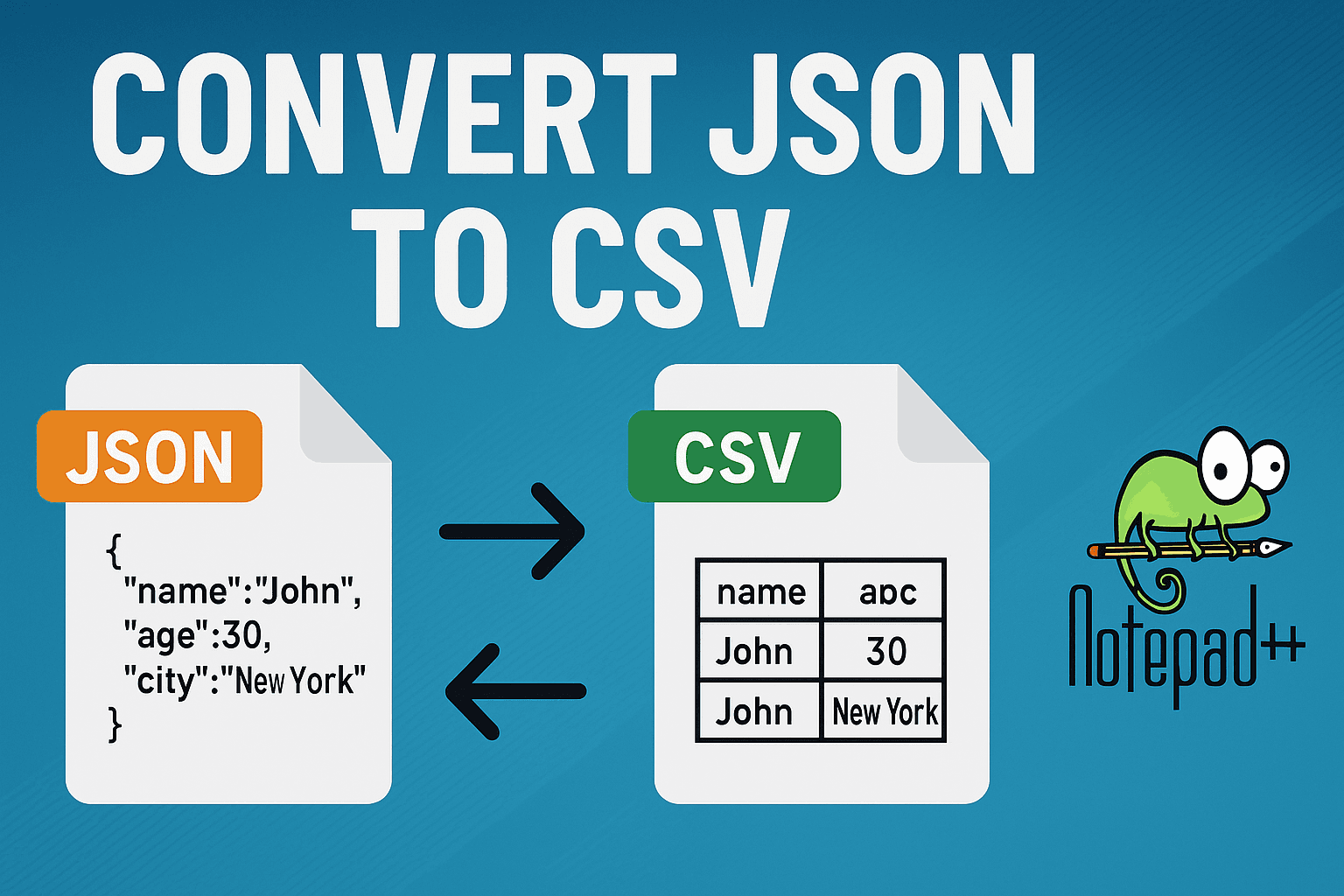
Convert JSON to CSV in Notepad++ using JSON Viewer plugin, manual conversion, or Python scripts. Step-by-step guide with examples for flattening nested JSON and handling large files.
Enhance VS Code JSON editing with 7 powerful extensions. Includes JSON Tools, Prettier, schema validation, tree view, and formatting extensions tested for performance and features.