7 Best JSON Editor Libraries for React in 2026 (Components Compared)

These libraries solve three scenarios: (1) display-only JSON viewer for showing API responses or config data, (2) editable JSON with syntax highlighting for developer tools, (3) form UI generated from JSON Schema for non-technical users. Which scenario you're in determines which library to use.
1. @uiw/react-json-view
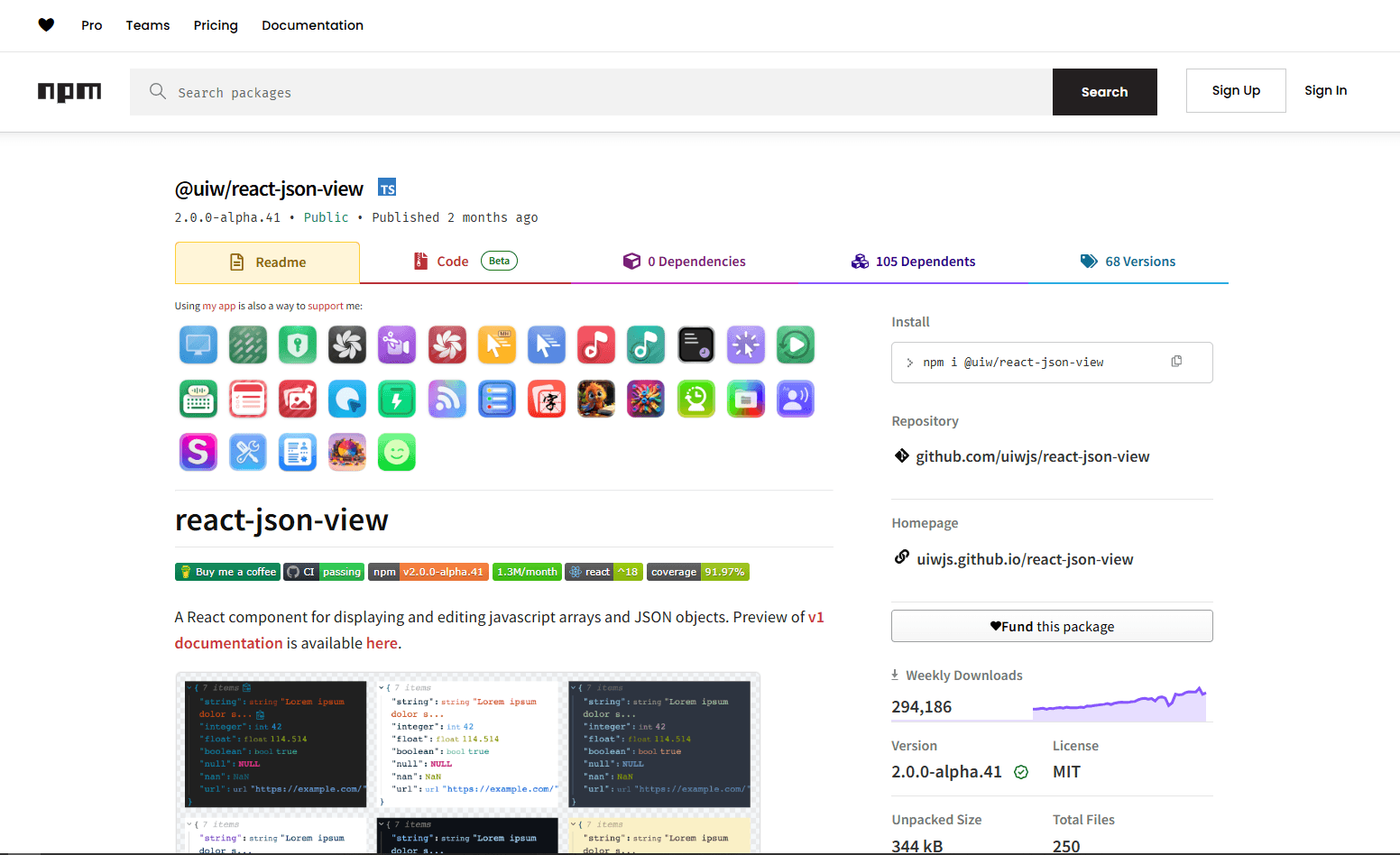
@uiw/react-json-view is a modern JSON viewer component with optional editing. Actively maintained, works with React 18+.
Install:
npm install @uiw/react-json-view
Basic usage:
import JsonView from '@uiw/react-json-view';
import { darkTheme } from '@uiw/react-json-view/dark';

function App() {
  const data = { user: 'Alice', roles: ['admin', 'editor'] };

  return <JsonView value={data} style={darkTheme} collapsed={2} />;
}
Bundle size: ~20KB gzipped
Best for: Admin dashboards and internal tools where you need to display JSON with collapsible tree view. Works for both read-only display and basic inline editing.
Not great for: Code editor experience where users type raw JSON. This is a tree view, not a text editor.
2. react-json-view
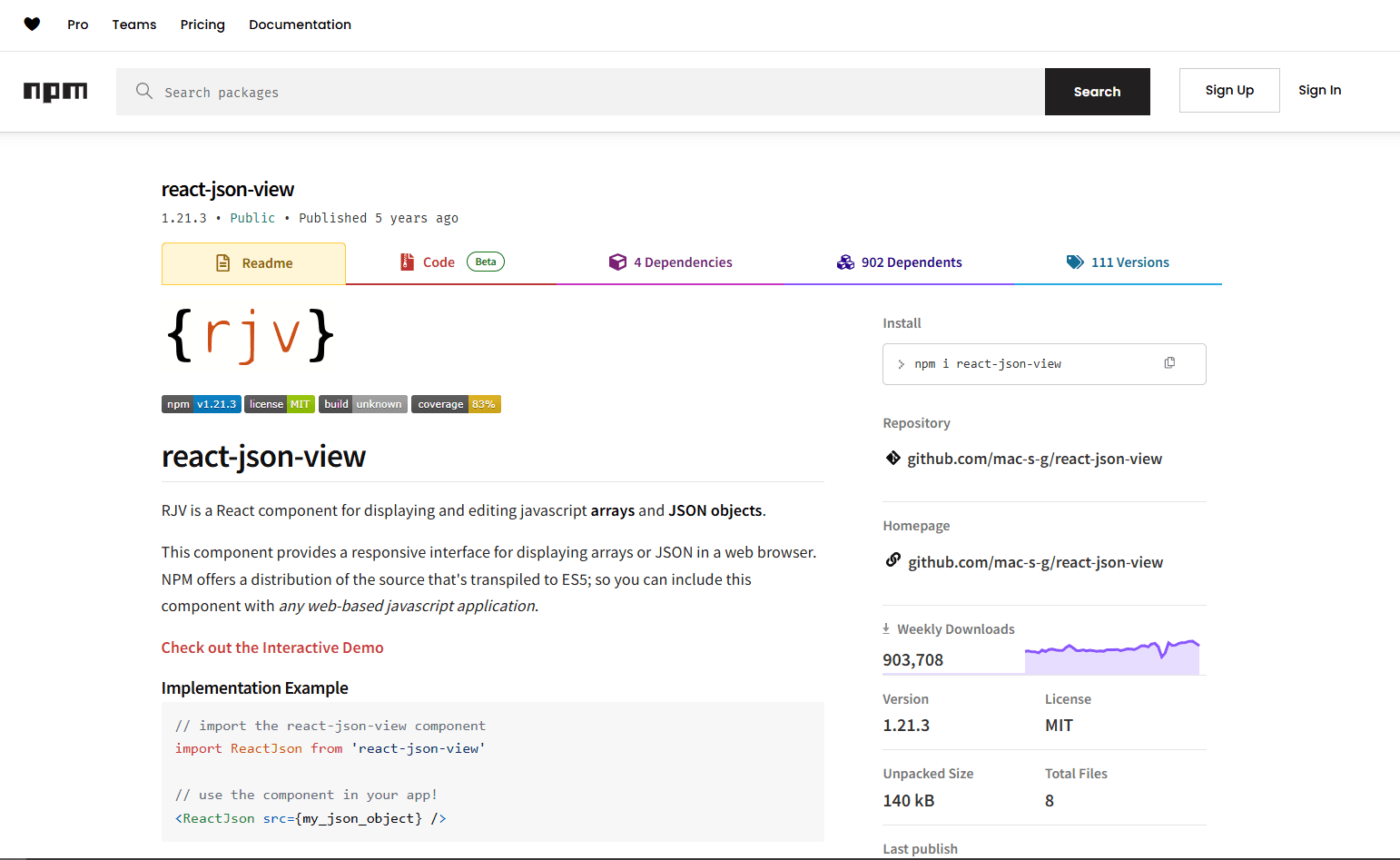
react-json-view was the original popular JSON viewer for React. No longer actively maintained (last release 2022), but still widely used.
Install:
npm install react-json-view
Basic usage:
import ReactJson from 'react-json-view';

function JsonViewer({ data }) {
  return (
    <ReactJson
      src={data}
      theme="monokai"
      collapsed={1}
      enableClipboard={true}
    />
  );
}
Bundle size: ~30KB gzipped
Best for: Maintaining existing codebases that already use it. Works with React 17 and mostly works with React 18.
Not great for: New projects. Use @uiw/react-json-view instead for active maintenance and better React 18 support.
3. Monaco Editor for React
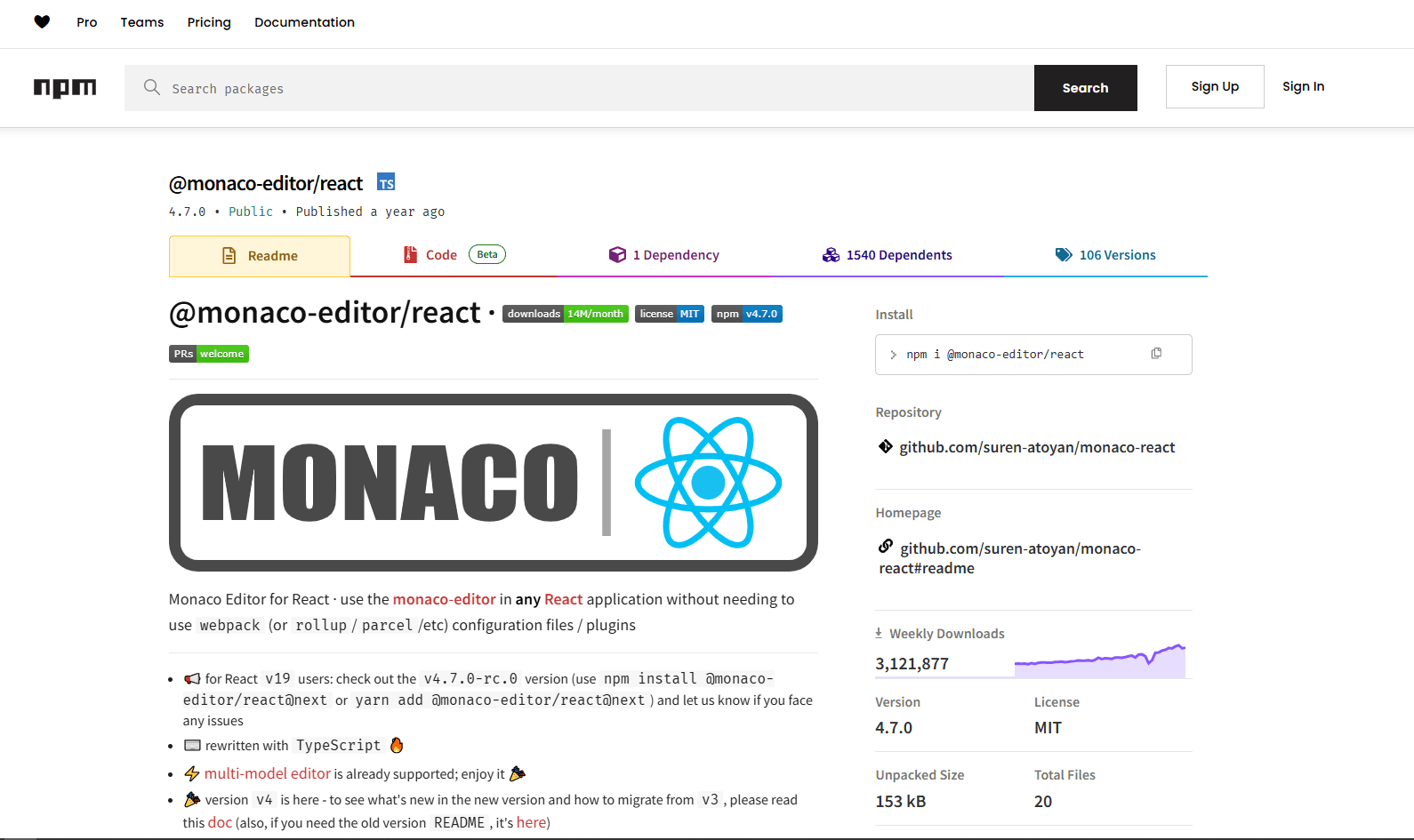
@monaco-editor/react gives you the full VS Code editing experience. Syntax highlighting, IntelliSense, error detection, JSON Schema validation, keyboard shortcuts.
Install:
npm install @monaco-editor/react
Basic usage:
import Editor from '@monaco-editor/react';

function JsonCodeEditor() {
  const [value, setValue] = useState('{"hello": "world"}');

  return (
    <Editor
      height="400px"
      language="json"
      theme="vs-dark"
      value={value}
      onChange={(newValue) => setValue(newValue || '')}
      options={{ minimap: { enabled: false } }}
    />
  );
}
Bundle size: 2-3MB (loads from CDN by default, not in your bundle but users still download it)
Best for: Developer-facing tools where users expect a code editor. API testing interfaces, configuration editors for technical users, internal dev tools.
Not great for: Consumer-facing apps where bundle size matters. The 2-3MB download is too heavy for most public-facing products.
4. react-jsonschema-form
react-jsonschema-form (RJSF) generates form UI from JSON Schema. Users interact with a form, you receive validated JSON.
Install:
npm install @rjsf/core @rjsf/utils @rjsf/validator-ajv8 @rjsf/mui
Basic usage:
import Form from '@rjsf/mui';
import validator from '@rjsf/validator-ajv8';

const schema = {
  type: 'object',
  required: ['name', 'email'],
  properties: {
    name: { type: 'string', title: 'Full Name' },
    email: { type: 'string', title: 'Email', format: 'email' },
    age: { type: 'integer', title: 'Age', minimum: 0 }
  }
};

function ConfigForm() {
  const [formData, setFormData] = useState({});

  return (
    <Form
      schema={schema}
      validator={validator}
      formData={formData}
      onChange={(e) => setFormData(e.formData)}
      onSubmit={(e) => console.log('Submitted:', e.formData)}
    />
  );
}
Bundle size: ~150KB gzipped (plus UI framework like Material UI)
Best for: Non-technical users who need to produce valid JSON through forms. Settings pages, configuration wizards, CMS content editors.
Not great for: Users who need to see or edit raw JSON. This hides JSON completely behind a form interface.
5. react-json-editor-ajrm
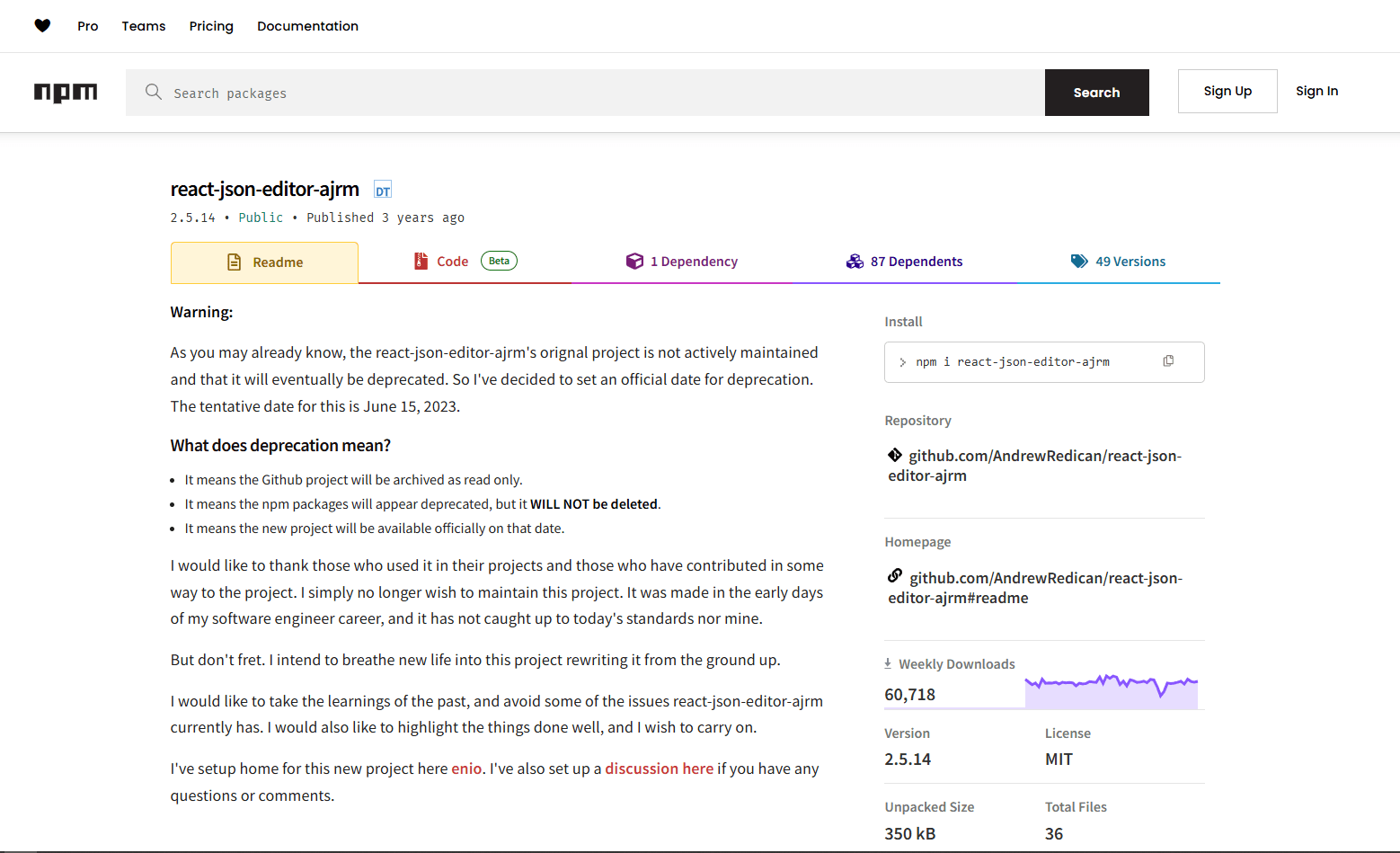
react-json-editor-ajrm is a code editor specifically designed for JSON. Lighter than Monaco, heavier than a tree view.
Install:
npm install react-json-editor-ajrm
Basic usage:
import JSONInput from 'react-json-editor-ajrm';
import locale from 'react-json-editor-ajrm/locale/en';

function JsonEditor() {
  const [data, setData] = useState({ name: 'Sample', count: 42 });

  return (
    <JSONInput
      id="json-editor"
      placeholder={data}
      locale={locale}
      height="400px"
      onChange={(content) => {
        if (!content.error) {
          setData(content.jsObject);
        }
      }}
    />
  );
}
Bundle size: ~50KB gzipped
Best for: Code editor experience without Monaco's weight. Users comfortable typing JSON but don't need VS Code-level features.
Not great for: Tree view navigation. This is a text editor, not a collapsible tree. Also not great for advanced features like IntelliSense or multi-cursor editing.
6. JSON Forms
JSON Forms generates forms from JSON Schema with a renderer-based architecture. More customizable than RJSF.
Install:
npm install @jsonforms/core @jsonforms/react @jsonforms/material-renderers
Basic usage:
import { JsonForms } from '@jsonforms/react';
import { materialRenderers, materialCells } from '@jsonforms/material-renderers';

const schema = {
  type: 'object',
  properties: {
    name: { type: 'string' },
    email: { type: 'string', format: 'email' }
  }
};

function ConfigEditor() {
  const [data, setData] = useState({});

  return (
    <JsonForms
      schema={schema}
      data={data}
      renderers={materialRenderers}
      cells={materialCells}
      onChange={({ data }) => setData(data)}
    />
  );
}
Bundle size: ~100KB gzipped (plus UI framework)
Best for: Maximum control over form rendering. Custom renderers let you replace any default behavior while keeping JSON Schema validation.
Not great for: Simple forms where RJSF is easier. JSON Forms has more setup and a steeper learning curve.
7. react-ace
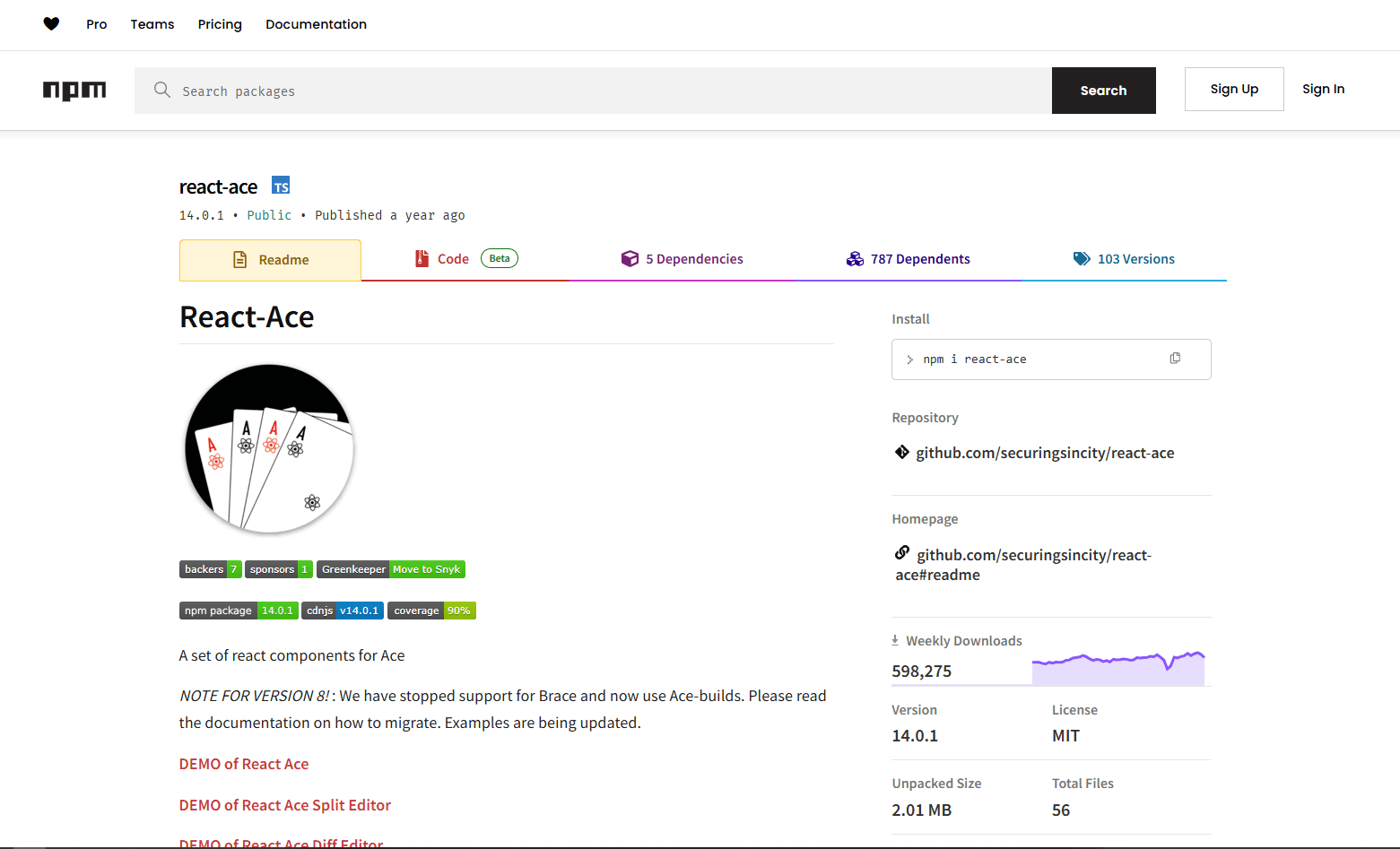
react-ace wraps the Ace editor. Lighter than Monaco, better browser compatibility.
Install:
npm install react-ace ace-builds
Basic usage:
import AceEditor from 'react-ace';
import 'ace-builds/src-noconflict/mode-json';
import 'ace-builds/src-noconflict/theme-monokai';

function JsonAceEditor() {
  const [value, setValue] = useState('{"test": "data"}');

  return (
    <AceEditor
      mode="json"
      theme="monokai"
      value={value}
      onChange={setValue}
      width="100%"
      height="400px"
      setOptions={{ useWorker: true }}
    />
  );
}
Bundle size: ~500KB gzipped
Best for: Code editor experience lighter than Monaco. Good for legacy browser support where Monaco might have issues.
Not great for: Advanced features like IntelliSense or schema-based autocomplete. Ace doesn't provide those.
Library Comparison
| Library | Bundle Size | Read-only? | Schema Support? | Best For |
|---|---|---|---|---|
| @uiw/react-json-view | ~20KB | No | No | General JSON display and editing |
| react-json-view | ~30KB | No | No | Legacy projects (unmaintained) |
| Monaco Editor | 2-3MB | No | Yes | Developer tools, VS Code experience |
| react-jsonschema-form | ~150KB | No | Yes | Non-technical user forms |
| react-json-editor-ajrm | ~50KB | No | No | Lightweight code editing |
| JSON Forms | ~100KB | No | Yes | Custom form rendering |
| react-ace | ~500KB | No | No | Legacy browser support |
Recommendation
For a basic viewer in an admin dashboard: @uiw/react-json-view. For a developer tool where users will edit JSON: Monaco. For generating forms from a schema: react-jsonschema-form. Don't reach for Monaco if users just need to view data. The bundle cost isn't worth it.
Frequently Asked Questions
What's the lightest React component for displaying JSON?
@uiw/react-json-view at ~20KB gzipped. It renders JSON as a collapsible tree with syntax highlighting and optional inline editing. For read-only display without any editing, this is the best choice. Install with npm install @uiw/react-json-view. The API is simple: pass your data object to the value prop and it renders immediately.
How do I add a JSON editor to a React admin panel?
Use @uiw/react-json-view for tree view display or Monaco Editor if users need to type raw JSON. For admin panels, @uiw/react-json-view is usually the right pick because it's lightweight and handles both viewing and basic editing. Install with npm install @uiw/react-json-view, pass your data to the value prop, and add editable prop to enable editing.
Can I use Monaco Editor in a Next.js project?
Yes, but you need to disable SSR for Monaco. Use Next.js dynamic imports with ssr: false: const Editor = dynamic(() => import('@monaco-editor/react'), { ssr: false }). Monaco doesn't work with server-side rendering because it relies on browser APIs. The dynamic import ensures Monaco only loads on the client side. This pattern works for any React library that requires browser APIs.
How do I validate JSON input in a React form?
For schema-based validation, use react-jsonschema-form or JSON Forms. Both generate forms from JSON Schema and validate automatically. For manual validation with any editor, use the ajv library: npm install ajv. Create a validator from your schema, then call validate(data) in your onChange handler. Monaco Editor has built-in schema validation if you configure it with monaco.languages.json.jsonDefaults.setDiagnosticsOptions().
What's the difference between react-json-view and Monaco for React?
react-json-view shows JSON as a collapsible tree view (~30KB). Monaco is a full code editor with syntax highlighting, IntelliSense, and schema validation (2-3MB). Use react-json-view for displaying data to users. Use Monaco for developer tools where users type and edit raw JSON. Monaco is 100x heavier but provides a VS Code experience. Don't use Monaco just for display.
Read More
All Articles
How JSON Powers Everything: APIs, Web Apps & Real-Time Data (2026)
Discover how JSON powers modern web applications, REST APIs, and real-time systems. Learn why JSON became the universal data format for web development, mobile apps, and cloud services.
How to Add Image in JSON: URL, Base64 & File Path Methods (2026)
Add images to JSON using URLs, base64 encoding, or file paths. Complete guide with code examples, size optimization tips, and best practices for each method in web and mobile apps.

How to Merge GPX Files: Free Tool + Python + GPSBabel Guide (2026)
Merge multiple GPX files into one using free online tool, Python, or GPSBabel. Complete guide for combining GPS tracks, waypoints, and routes from Garmin, Strava, Komoot, and other devices.