7 Best YAML Editors for Mac in 2026 (Free & Paid)
YAML errors in Kubernetes manifests crash deployments. Docker Compose files with wrong indentation won't start containers. CI/CD pipelines fail on syntax mistakes. Schema validation catches these before they break production.
VS Code with the Red Hat YAML extension validates against Kubernetes, Docker Compose, and GitHub Actions schemas. It's free and already installed on most Mac development machines. For faster launches, Sublime Text and BBEdit handle large YAML files without the Electron overhead.
This guide covers seven YAML editors tested on macOS with Apple Silicon optimization. Some validate schemas, some prioritize speed, and some work best for specific workflows.
1. VS Code with YAML Extension (Best for Kubernetes)
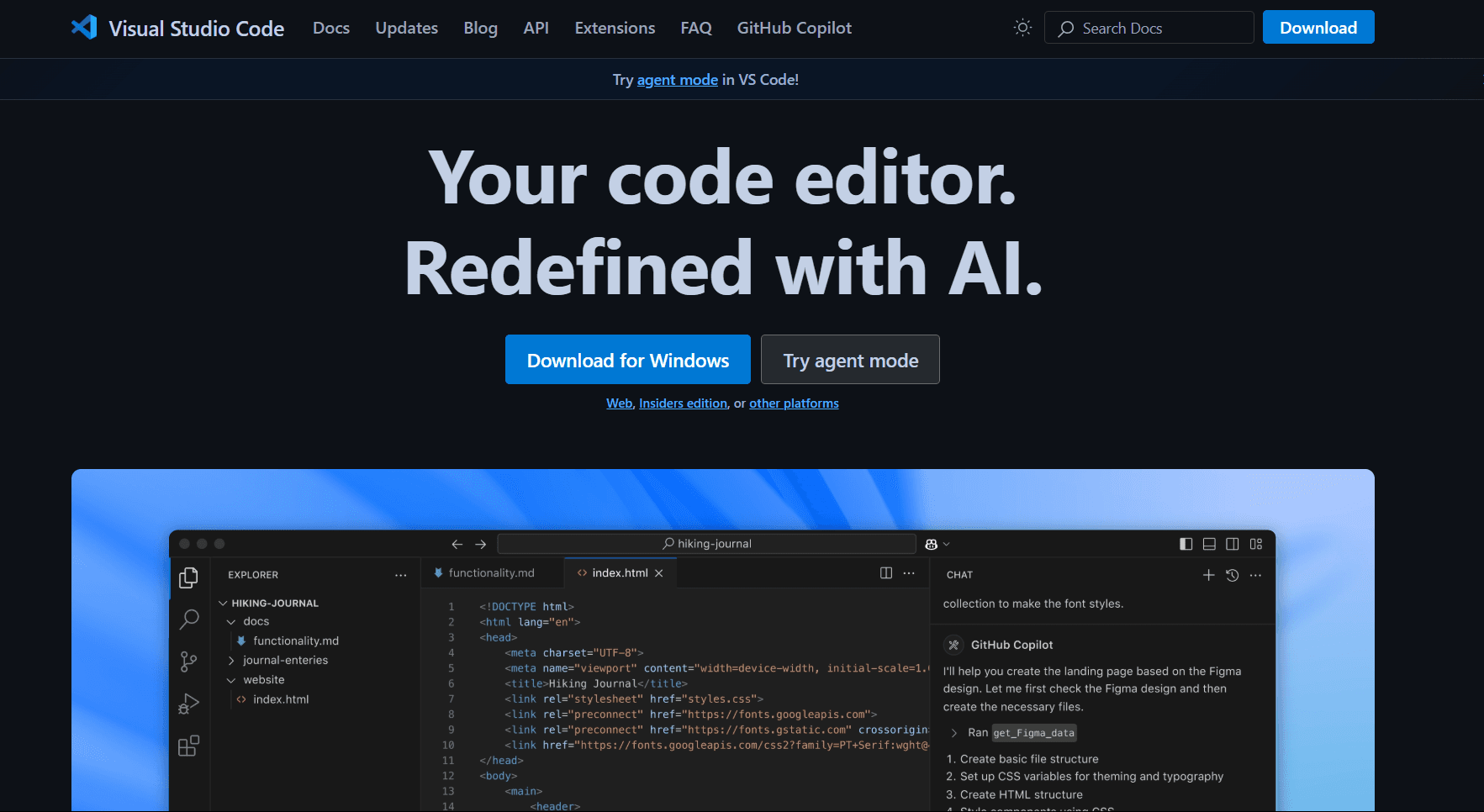
VS Code with the Red Hat YAML extension is the standard for editing Kubernetes manifests and other schema-based YAML.
Install VS Code: brew install --cask visual-studio-code or download from code.visualstudio.com
Install YAML extension: Press Cmd + Shift + X, search "YAML" by Red Hat, click Install.
What you get:
- Schema validation (Kubernetes, Docker Compose, GitHub Actions, etc.)
- Auto-completion based on schema
- Error detection as you type
- Hover documentation for properties
- Multi-document support (--- separators)
- Formatting (Shift + Option + F)
- Outline view for navigation
- Git integration
Schema configuration:
{
  "yaml.schemas": {
    "kubernetes": "/*.yaml",
    "https://json.schemastore.org/github-workflow.json": ".github/workflows/*.yml"
  }
}
What you don't get:
- Heavy RAM usage (200-300MB)
- Slower launch than native apps
- Not Mac-native (Electron-based)
VS Code fits DevOps engineers working with Kubernetes, developers writing Docker Compose files, or anyone who needs schema validation. If you're already using VS Code, adding YAML support takes one extension install.
2. Sublime Text with YAML Plugin (Best for Speed)
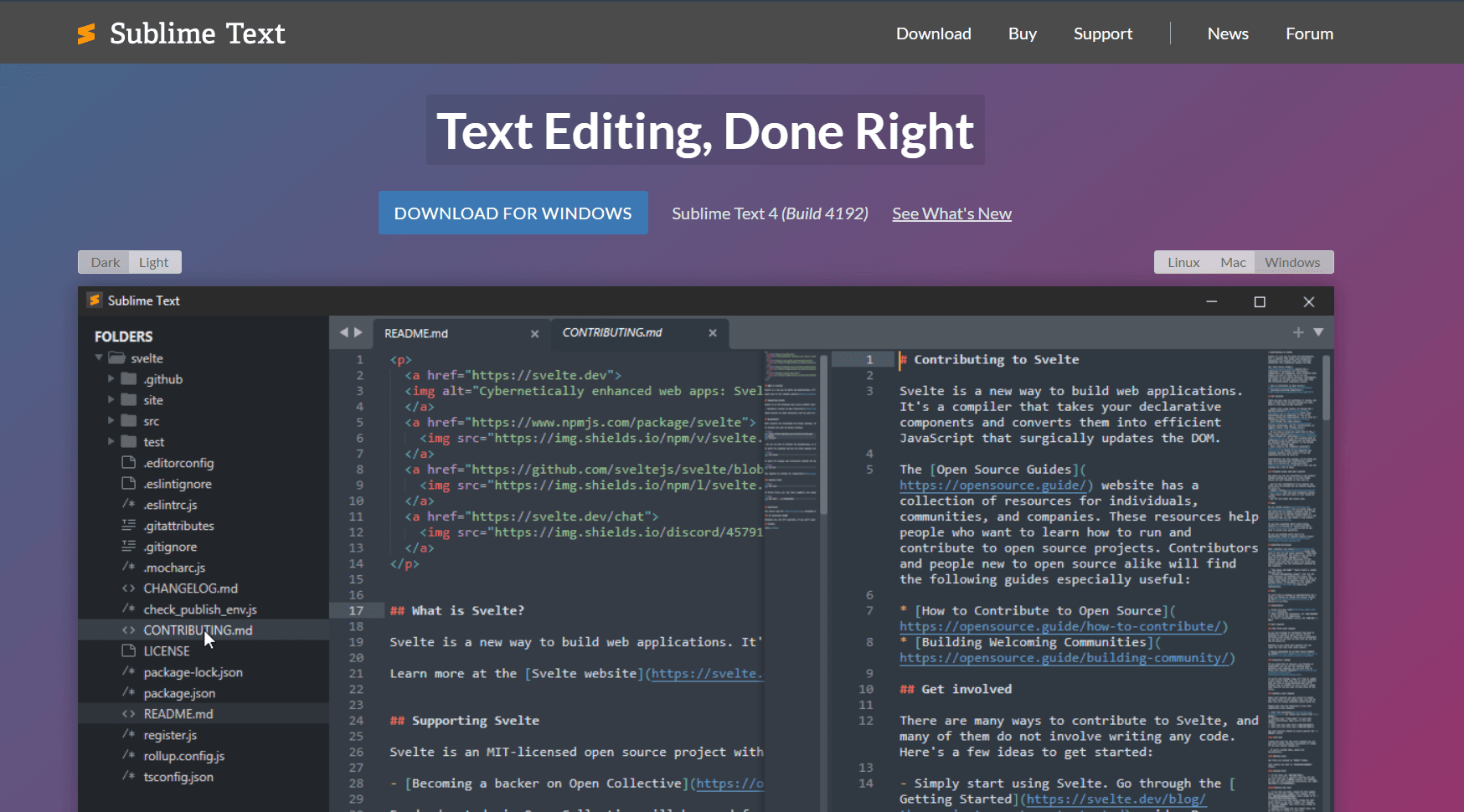
Sublime Text launches instantly and handles 100MB+ YAML files without freezing. Add the YAML package for syntax highlighting and validation.
Install: brew install --cask sublime-text or download from sublimetext.com
Setup:
- Install Package Control: Cmd + Shift + P > "Install Package Control"
- Install YAML package: Cmd + Shift + P > "Package Control: Install Package" > search "YAML"
What you get:
- Launch time under 1 second
- Syntax highlighting for YAML
- Code folding for nested structures
- Multi-cursor editing (Cmd + D to select duplicates)
- Goto Anything (Cmd + P for quick navigation)
- Handles 100MB+ files smoothly
- Memory usage 60-80MB
- Free version with full functionality ($99 removes prompts)
What you don't get:
- No schema validation (only syntax highlighting)
- No auto-completion
- No built-in preview
Sublime Text fits developers who need speed over validation. Large YAML files, quick edits, or when you know the schema and just need fast editing.
3. BBEdit (Best Native Mac App)
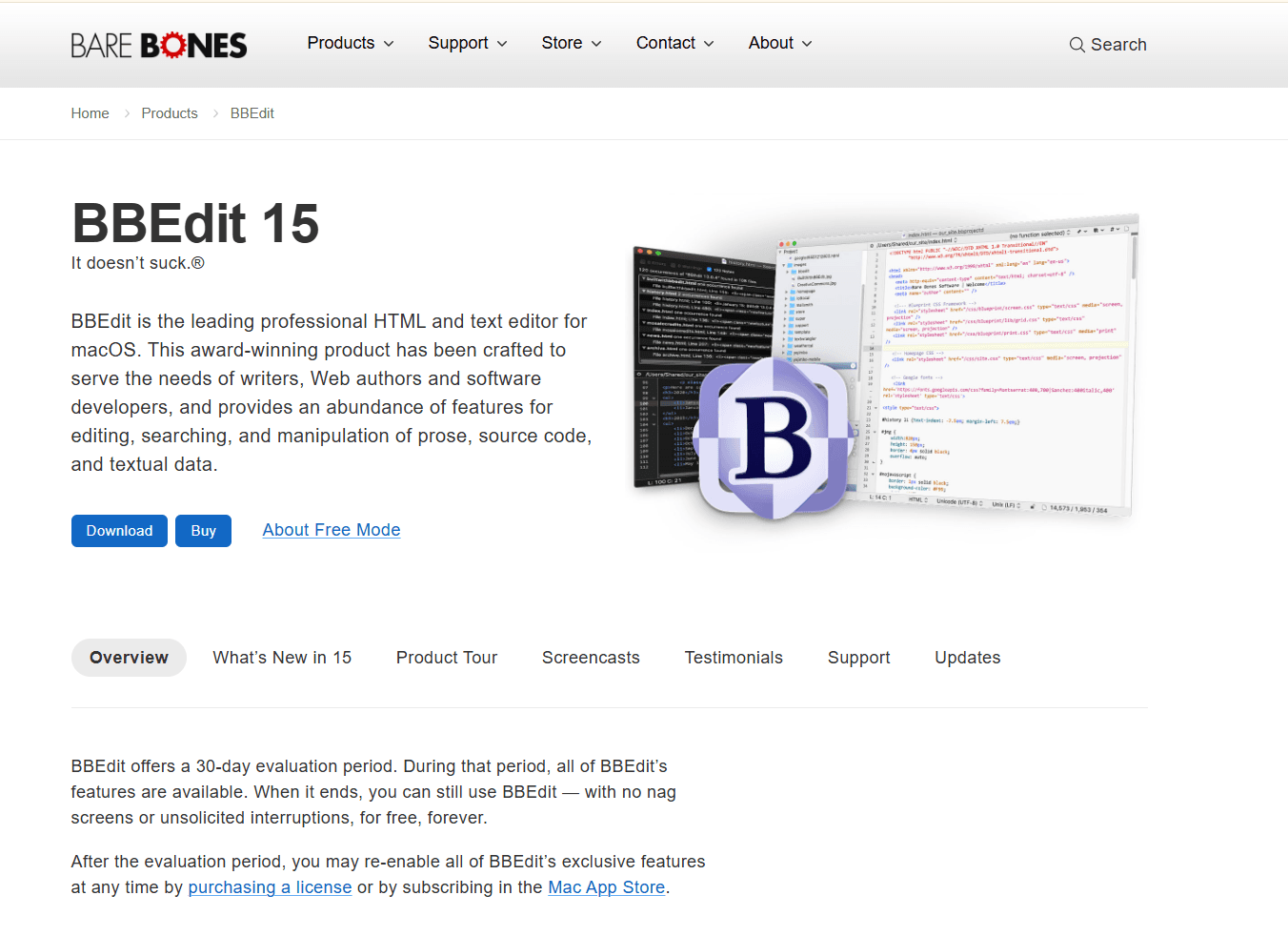
BBEdit is a native Mac text editor with excellent YAML support. $49.99 one-time purchase or free version with limited features.
Install: brew install --cask bbedit or download from barebones.com
What you get:
- YAML syntax highlighting built-in
- Code folding for nested structures
- Text manipulation tools (grep, multi-file search)
- Pattern matching with regex
- Native Mac app (respects Dark Mode, Quick Look)
- Launch time under 1 second
- Memory usage 40-60MB
- Handles 50MB+ files smoothly
What you don't get:
- No schema validation
- No auto-completion
- No YAML-specific linting
BBEdit fits Mac power users who want a native app with text manipulation tools. Good for editing YAML alongside other config files, or when you need regex-based find-and-replace.
4. Nova (Best for Mac-First Design)
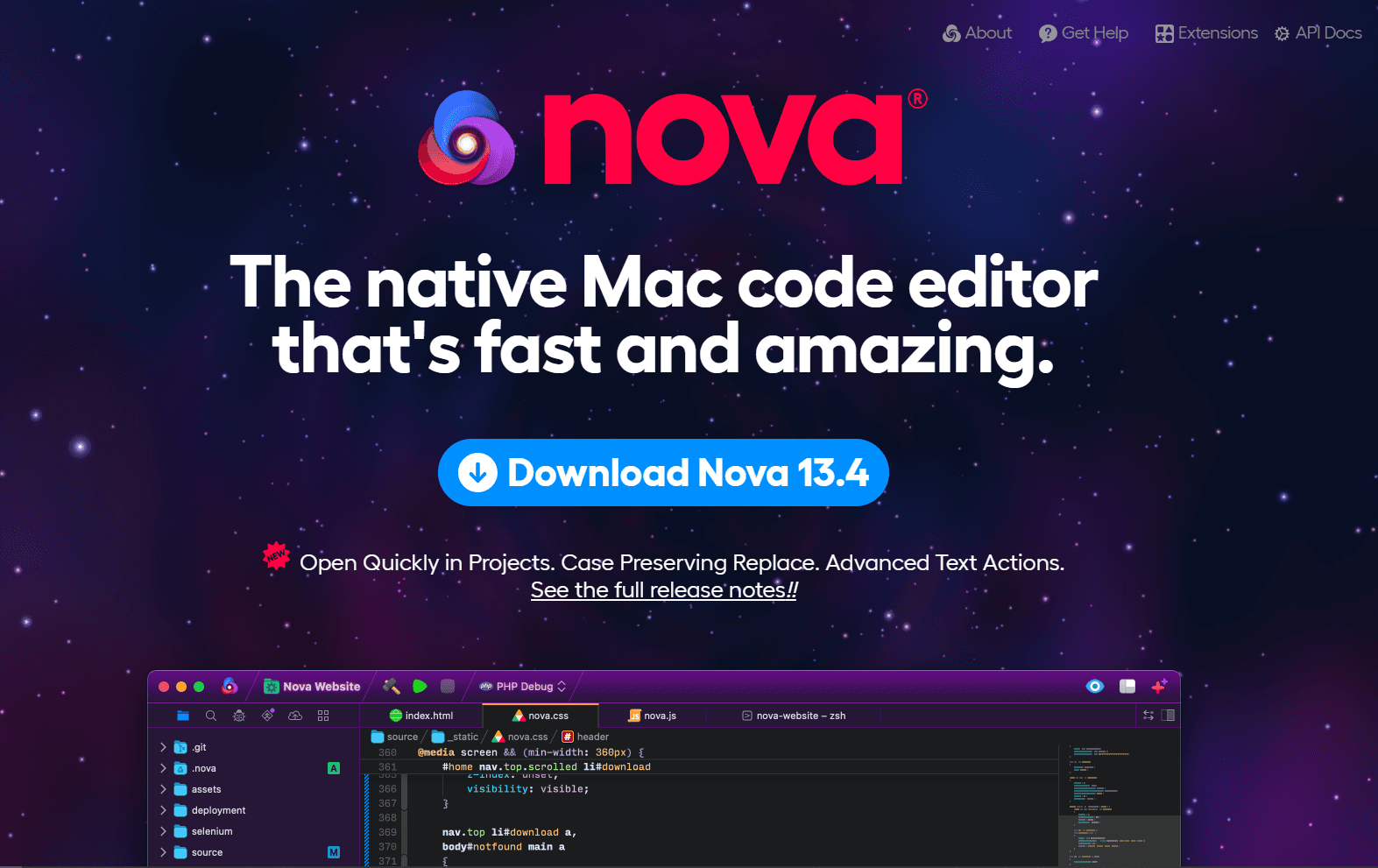
Nova by Panic is a native Mac code editor. $99 one-time purchase or $49/year subscription.
The interface is designed specifically for macOS. Native UI elements, Dark Mode integration, and system font support.
What you get:
- YAML syntax highlighting
- Extensions for validation (via Nova extensions)
- Native Mac app (optimized for Apple Silicon)
- Git integration
- Launch time under 1 second
- Memory usage 80-100MB
- Beautiful Mac-native interface
What you don't get:
- Smaller extension ecosystem than VS Code
- No free tier (trial only)
- Limited YAML-specific features
Nova fits developers who value native Mac design and are willing to pay for it. The app is polished and feels like it belongs on Mac.
5. IntelliJ IDEA / PyCharm (Best for JetBrains Users)

IntelliJ IDEA and PyCharm have excellent YAML support built-in. Free Community editions available.
If you're already using a JetBrains IDE for development, the YAML support is included.
What you get:
- Schema validation (Kubernetes, Docker Compose, etc.)
- Auto-completion based on schema
- Error detection and quick fixes
- Refactoring support (rename keys across files)
- Multi-file navigation
- Git integration
- Launch time 5-10 seconds
- Memory usage 500MB-1GB
What you don't get:
- Very heavy (not suitable for quick edits)
- Expensive (paid versions $149-$249/year)
- Overkill for YAML-only editing
IntelliJ/PyCharm fits developers already using JetBrains IDEs. If you're writing Java, Python, or other languages in these IDEs, the YAML support is excellent. Don't install just for YAML editing.
6. Vim / Neovim with YAML Plugin (Best for Terminal)
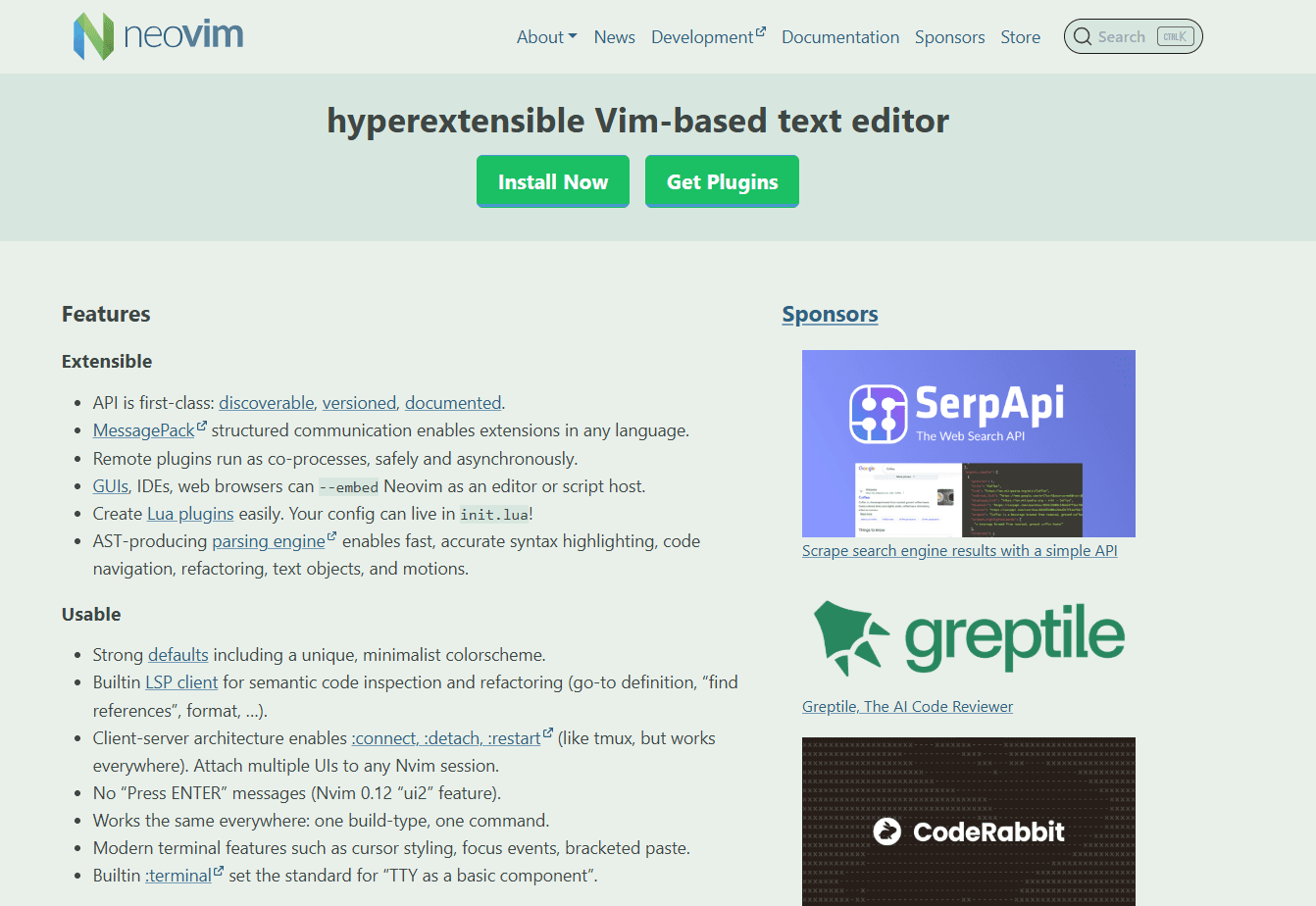
Vim is pre-installed on macOS. Add vim-yaml plugin for syntax highlighting and indentation support.
Setup for Neovim:
- Install Neovim: brew install neovim
- Install vim-plug: sh -c 'curl -fLo "${XDG_DATA_HOME:-$HOME/.local/share}"/nvim/site/autoload/plug.vim --create-dirs https://raw.githubusercontent.com/junegunn/vim-plug/master/plug.vim'
- Add to init.vim: Plug 'stephpy/vim-yaml'
What you get:
- YAML syntax highlighting
- Auto-indentation
- Code folding
- Works over SSH
- Launch time instant
- Memory usage <50MB
- Handles files of any size
What you don't get:
- No schema validation
- No auto-completion (without LSP)
- Steep learning curve
Vim fits developers who live in the terminal or work on remote servers via SSH. If you're already a Vim user, adding YAML support takes minutes.
7. TextMate (Best Lightweight Native App)
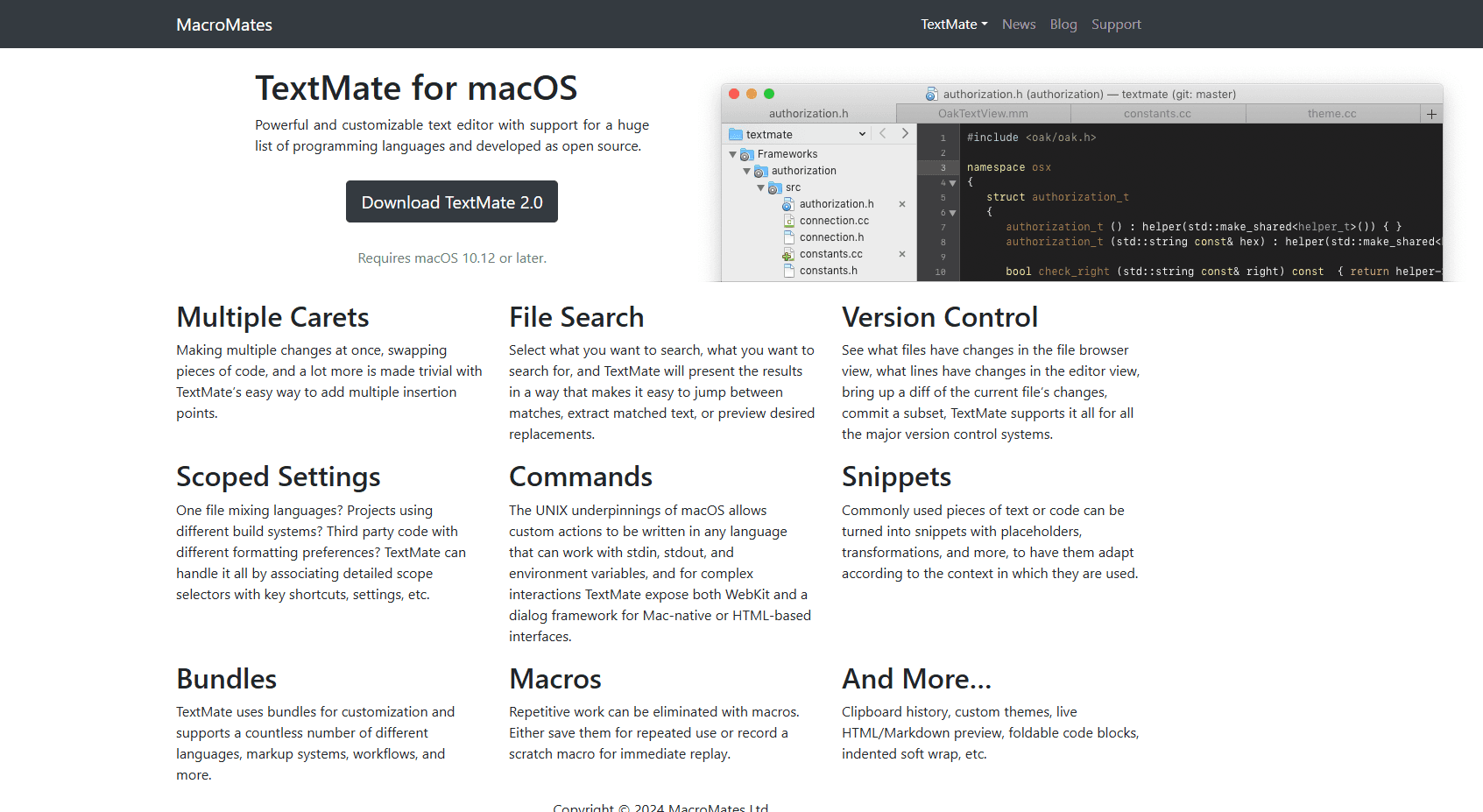
TextMate is a lightweight native Mac editor. Free and open-source.
Install: brew install --cask textmate or download from macromates.com
What you get:
- YAML syntax highlighting via bundle
- Code folding
- Snippets for common YAML patterns
- Native Mac app
- Launch time under 1 second
- Memory usage 40-60MB
What you don't get:
- No schema validation
- No auto-completion
- Smaller community than VS Code
TextMate fits Mac users who want a lightweight native app for quick YAML edits. Good for occasional editing without heavy IDE overhead.
YAML Editor Comparison Table
| Editor | Price | Mac-native? | Schema validation | Launch time | Best for |
|---|---|---|---|---|---|
| VS Code | Free | No (Electron) | Yes | 1-2 sec | Kubernetes, Docker Compose |
| Sublime Text | Free/$99 | Yes | No | <1 sec | Speed, large files |
| BBEdit | Free/$49.99 | Yes | No | <1 sec | Text manipulation |
| Nova | $99/$49/year | Yes | Via extensions | <1 sec | Mac-first design |
| IntelliJ/PyCharm | Free/Paid | No (Java) | Yes | 5-10 sec | JetBrains users |
| Vim/Neovim | Free | Yes | No | Instant | Terminal users |
| TextMate | Free | Yes | No | <1 sec | Lightweight editing |
Recommendation
For most Mac developers working with Kubernetes or Docker: use VS Code with the Red Hat YAML extension. The schema validation catches errors before deployment.
For quick edits or large files: Sublime Text. It launches instantly and handles 100MB+ YAML files without freezing.
For Mac power users who want native apps: BBEdit. The text manipulation tools and native Mac feel are worth the $49.99.
For developers who value Mac-native design: Nova. The interface is beautiful and optimized for Apple Silicon.
For terminal users: Vim or Neovim with vim-yaml plugin. Works over SSH and handles files of any size.
Using more than one editor is normal. VS Code for Kubernetes manifests, Sublime Text for quick edits, Vim for remote servers.
Platform-Specific Tips for Mac
Apple Silicon optimization:
- VS Code, Sublime Text, BBEdit, Nova, and TextMate all run natively on Apple Silicon
- IntelliJ/PyCharm run via Rosetta 2 but performance is still good
- Vim/Neovim are native ARM64
Homebrew installation: Most editors install via Homebrew Cask:
- brew install --cask visual-studio-code
- brew install --cask sublime-text
- brew install --cask bbedit
- brew install --cask nova
- brew install --cask textmate
Quick Look preview: Install qlYAML for Quick Look support: brew install --cask qlyaml
Then press Space on any .yaml or .yml file in Finder to preview.
Spotlight integration: BBEdit and TextMate integrate with Spotlight. Search file contents from Spotlight search.
Frequently Asked Questions
What's the best YAML editor for Mac?
VS Code with the Red Hat YAML extension. Install VS Code with brew install --cask visual-studio-code, then install the YAML extension from the Extensions panel. You get schema validation for Kubernetes, Docker Compose, GitHub Actions, and more. Auto-completion and error detection work as you type. It's free and actively maintained. For a lighter native alternative, use Sublime Text or BBEdit.
How do I validate YAML on Mac?
Use VS Code with the Red Hat YAML extension for real-time validation. Configure schemas in settings.json. For command-line validation, install yamllint: brew install yamllint, then run yamllint file.yaml. For Kubernetes-specific validation, use kubectl: kubectl apply --dry-run=client -f file.yaml.
Does VS Code work well for YAML on Mac?
Yes. VS Code has excellent YAML support via the Red Hat YAML extension. Schema validation works for Kubernetes, Docker Compose, GitHub Actions, and other formats. Auto-completion and error detection work as you type. The extension is free and actively maintained. The tradeoff is that VS Code uses 200-300MB RAM (Electron-based) compared to native Mac apps like BBEdit or Sublime Text.
What's the best YAML editor for Kubernetes on Mac?
VS Code with the Red Hat YAML extension. It validates Kubernetes manifests against the official schema, provides auto-completion for resource types and properties, and shows errors as you type. Install the Kubernetes extension for additional features like cluster management and pod logs. For command-line validation, use kubectl: kubectl apply --dry-run=client -f manifest.yaml.
Is there a native Mac YAML editor?
Yes. BBEdit ($49.99), Sublime Text (free/$99), Nova ($99/$49/year), and TextMate (free) are all native Mac apps with YAML support. BBEdit and TextMate are Cocoa apps. Sublime Text uses native code. Nova is built with Swift. All launch faster and use less RAM than Electron-based editors like VS Code. The tradeoff is less advanced YAML features (no schema validation in most cases).
How do I edit Docker Compose files on Mac?
Use VS Code with the Red Hat YAML extension. Configure Docker Compose schema in settings.json: "yaml.schemas": {"https://raw.githubusercontent.com/compose-spec/compose-spec/master/schema/compose-spec.json": "docker-compose*.yml"}. The extension validates your compose file and provides auto-completion for services, volumes, and networks. For quick edits, Sublime Text or BBEdit work well.
Related Reading
For YAML editing on other platforms:
For other file formats on Mac:
Read More
All Articles
8 Best YAML Editors for Windows in 2026 (Free & Paid)
Find the best YAML editor for Windows 11 and 10 with validation and syntax highlighting. Compare VS Code, Notepad++, Sublime Text, and more for Kubernetes and Docker configs.
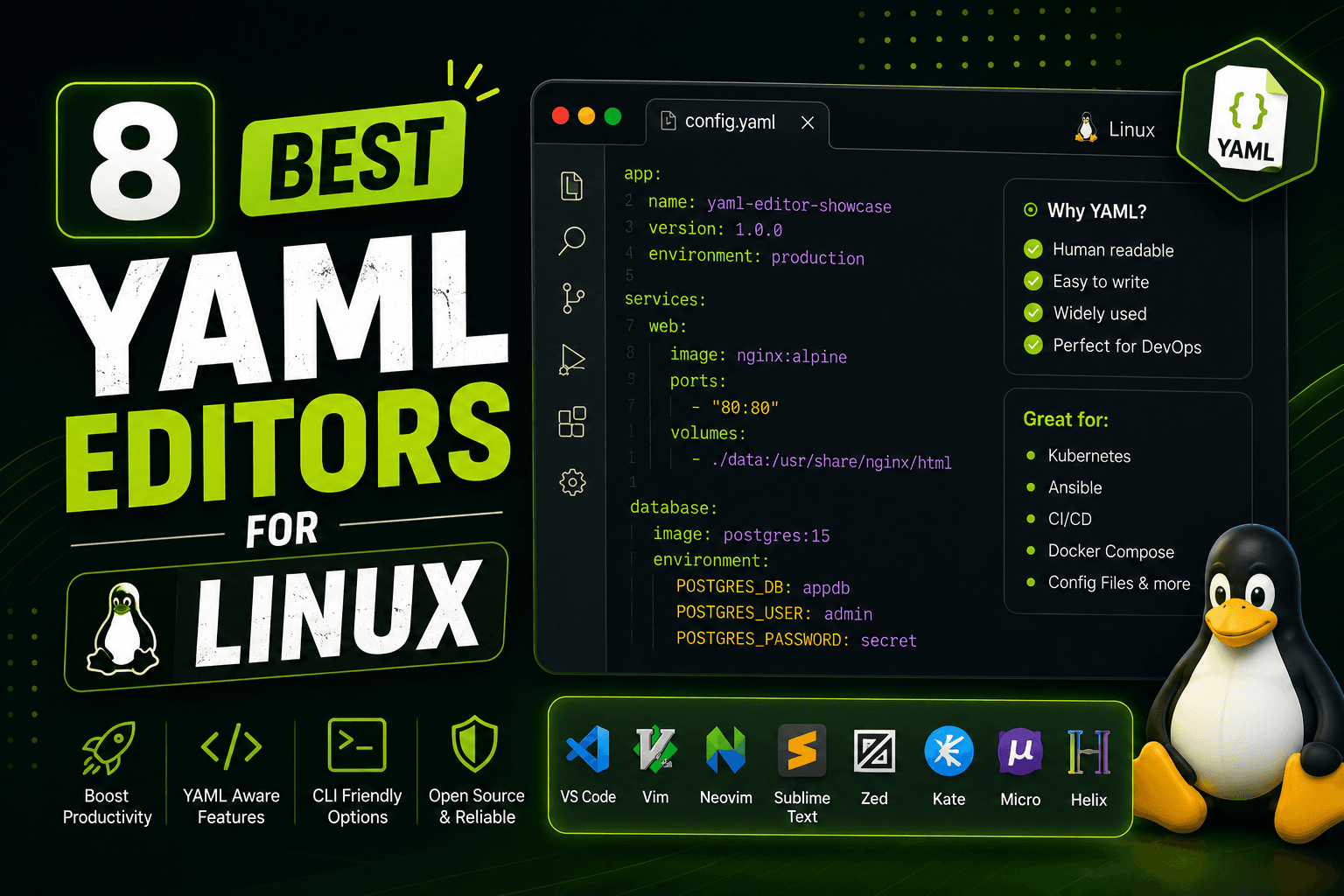
8 Best YAML Editors for Linux in 2026 (GUI & Terminal)
Compare 8 best YAML editors for Linux including VS Code, Kate, Vim, yamllint, and GUI tools. Covers terminal and desktop options for Ubuntu, Fedora, and Arch Linux users.
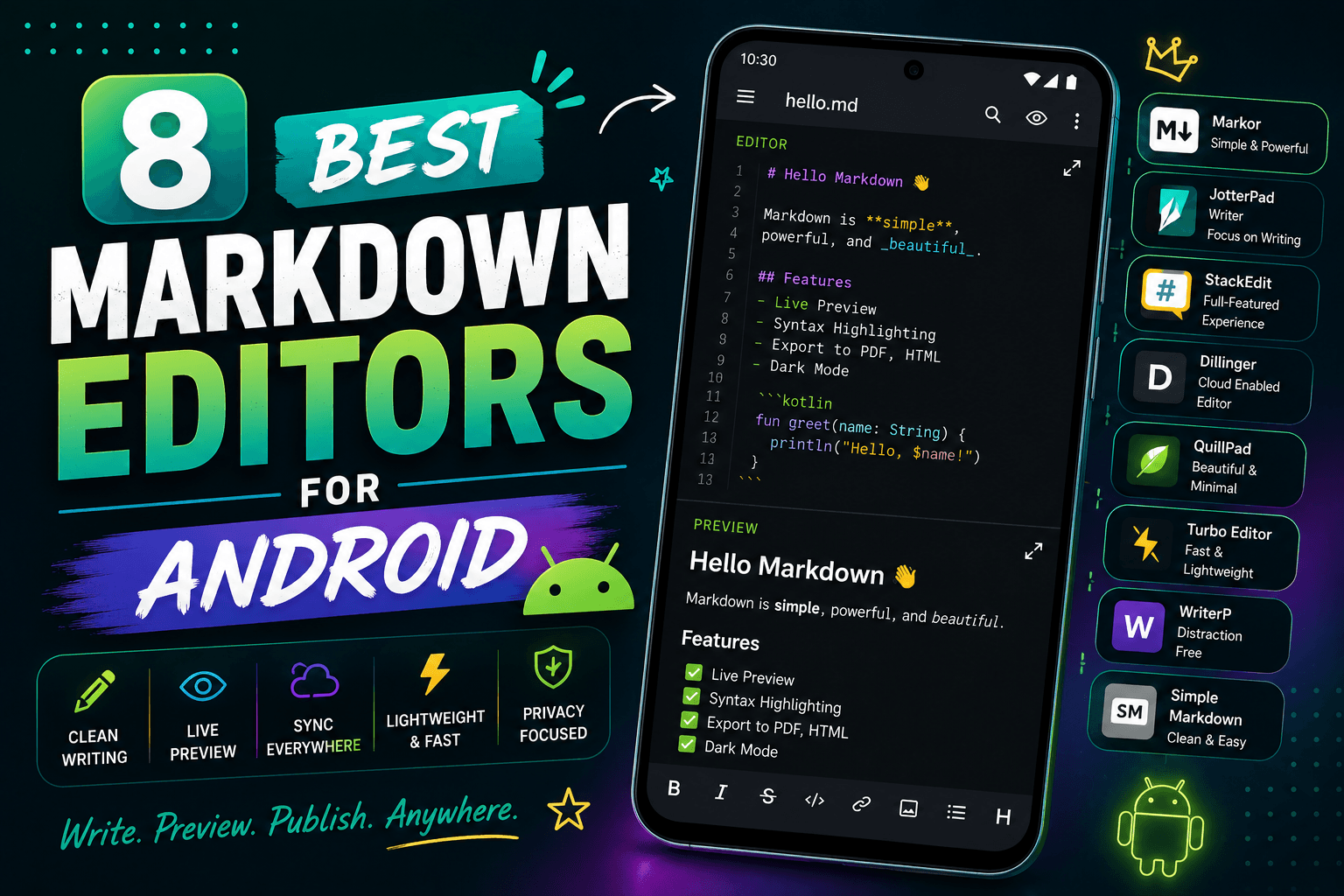
8 Best Markdown Editors for Android in 2026 (Free & Paid)
Find the best Markdown editor for Android with sync, live preview, and offline editing. Compare Markor, iA Writer, Obsidian, and more for writing on phones and tablets.