7 Best EPUB Readers for Mac in 2026 (Free & Paid)
Imad Uddin
Developer
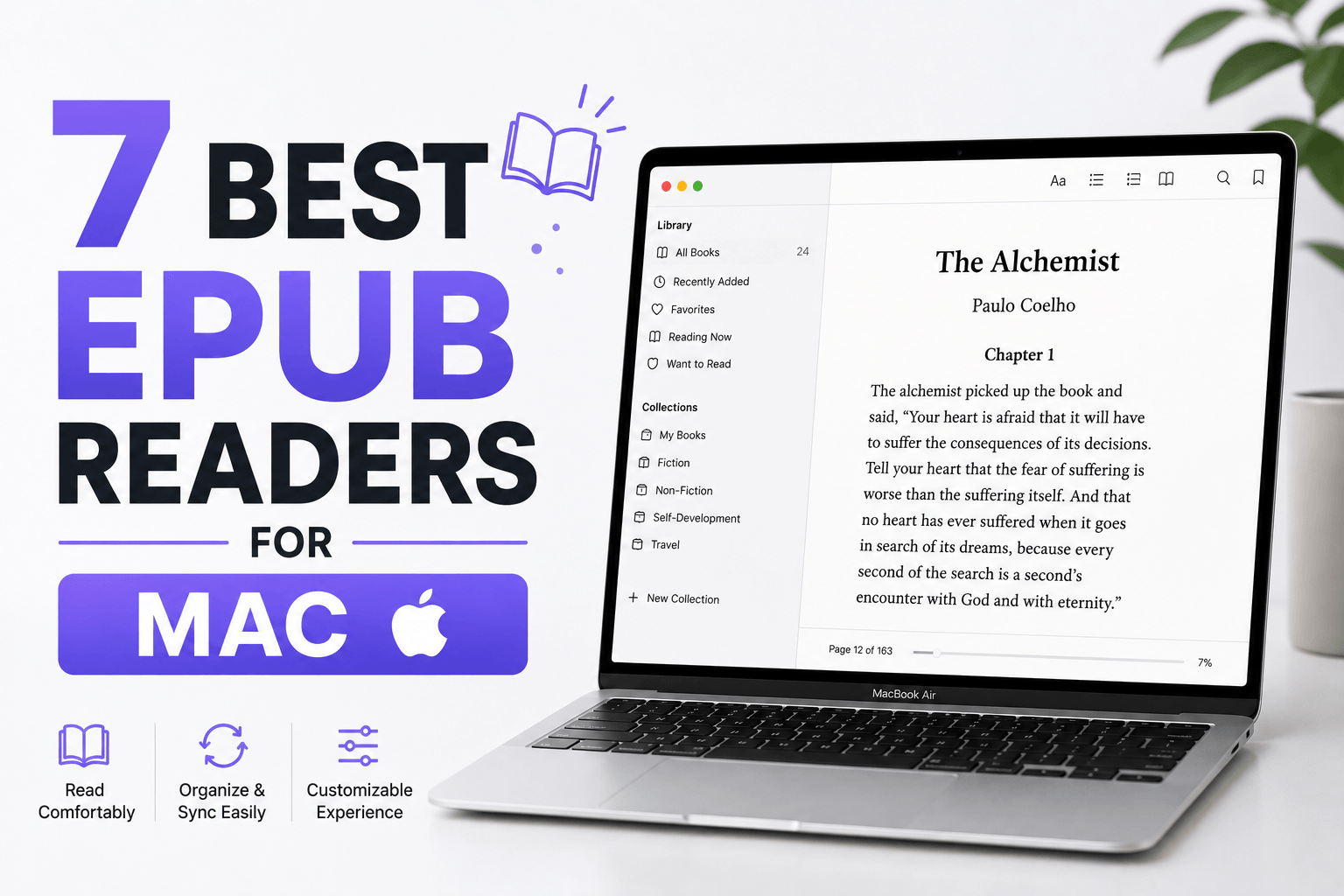
Apple Books ships with every Mac. It opens EPUB files instantly, syncs across your Apple devices via iCloud, and handles highlights and notes without setup. For most Mac users, it's already installed and works fine.
But Apple Books locks you into the Apple ecosystem. Your library doesn't sync to Windows or Android. Calibre manages thousands of ebooks with format conversion and metadata editing. Thorium Reader provides accessibility features Apple Books lacks.
The right reader depends on your needs. Casual readers want simple interfaces and iCloud sync. Power users need library management and format conversion. Accessibility-focused readers need screen reader support and customizable text. This guide covers seven EPUB readers tested on macOS Sequoia with Apple Silicon optimization.
1. Apple Books (Best for Apple Ecosystem)
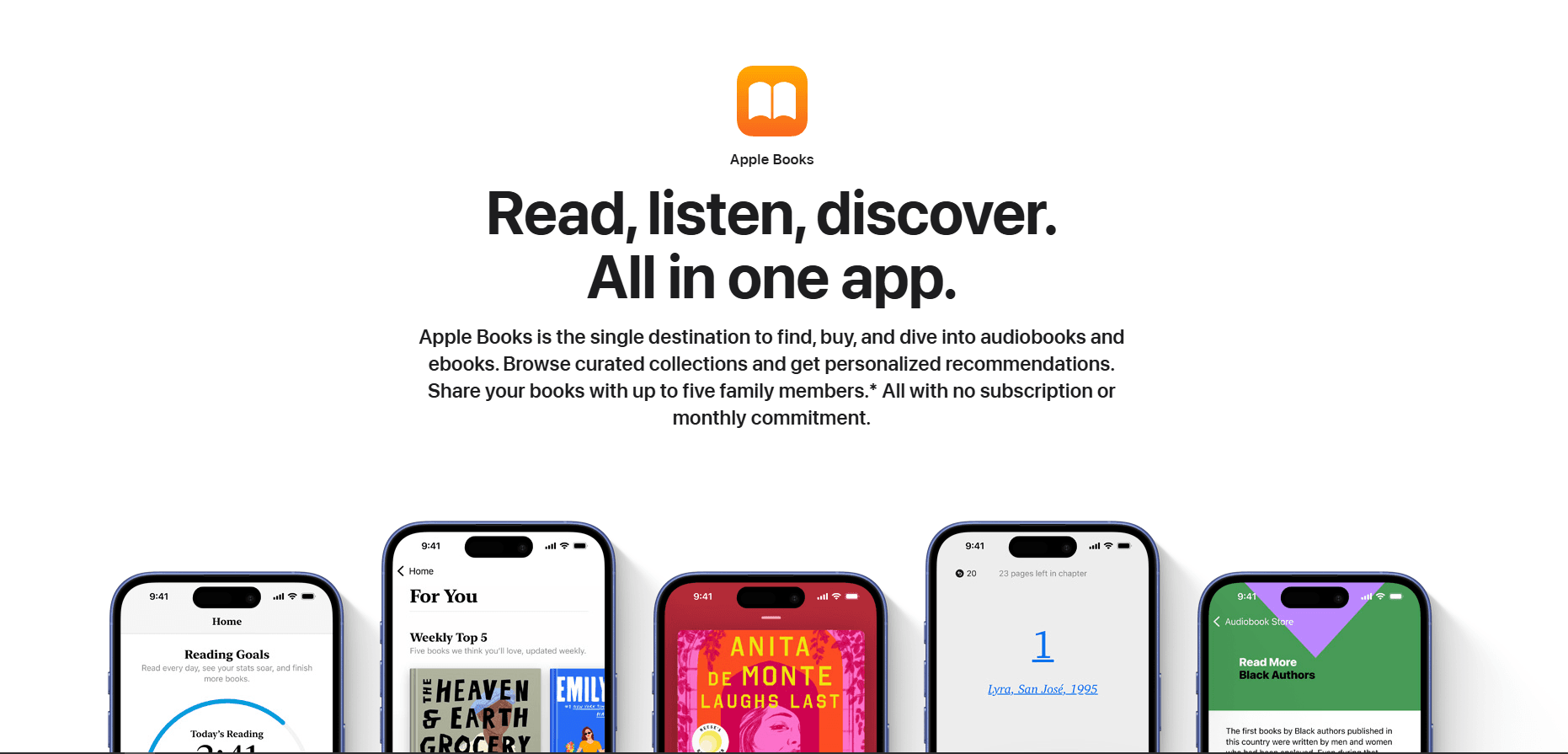
Apple Books is pre-installed on every Mac. Free, native, and syncs across iPhone, iPad, and Mac via iCloud.
Double-click any EPUB file and it opens in Apple Books. Your reading position, highlights, and notes sync automatically across devices.
What you get:
- iCloud sync across Mac, iPhone, iPad
- Highlights and notes with automatic sync
- Bookmarks and collections
- Night mode and sepia themes
- Font and text size adjustment
- Search within books
- Built-in dictionary and Wikipedia lookup
- Native Mac app (optimized for Apple Silicon)
- Launch time under 1 second
- Memory usage 80-120MB
What you don't get:
- No Windows or Android sync
- No format conversion (EPUB and PDF only)
- No library management tools
- No metadata editing
- Limited customization options
Apple Books fits Mac users who stay in the Apple ecosystem. If you read on iPhone, iPad, and Mac, the automatic sync works seamlessly. For cross-platform needs, use Calibre.
2. Calibre (Best for Library Management)
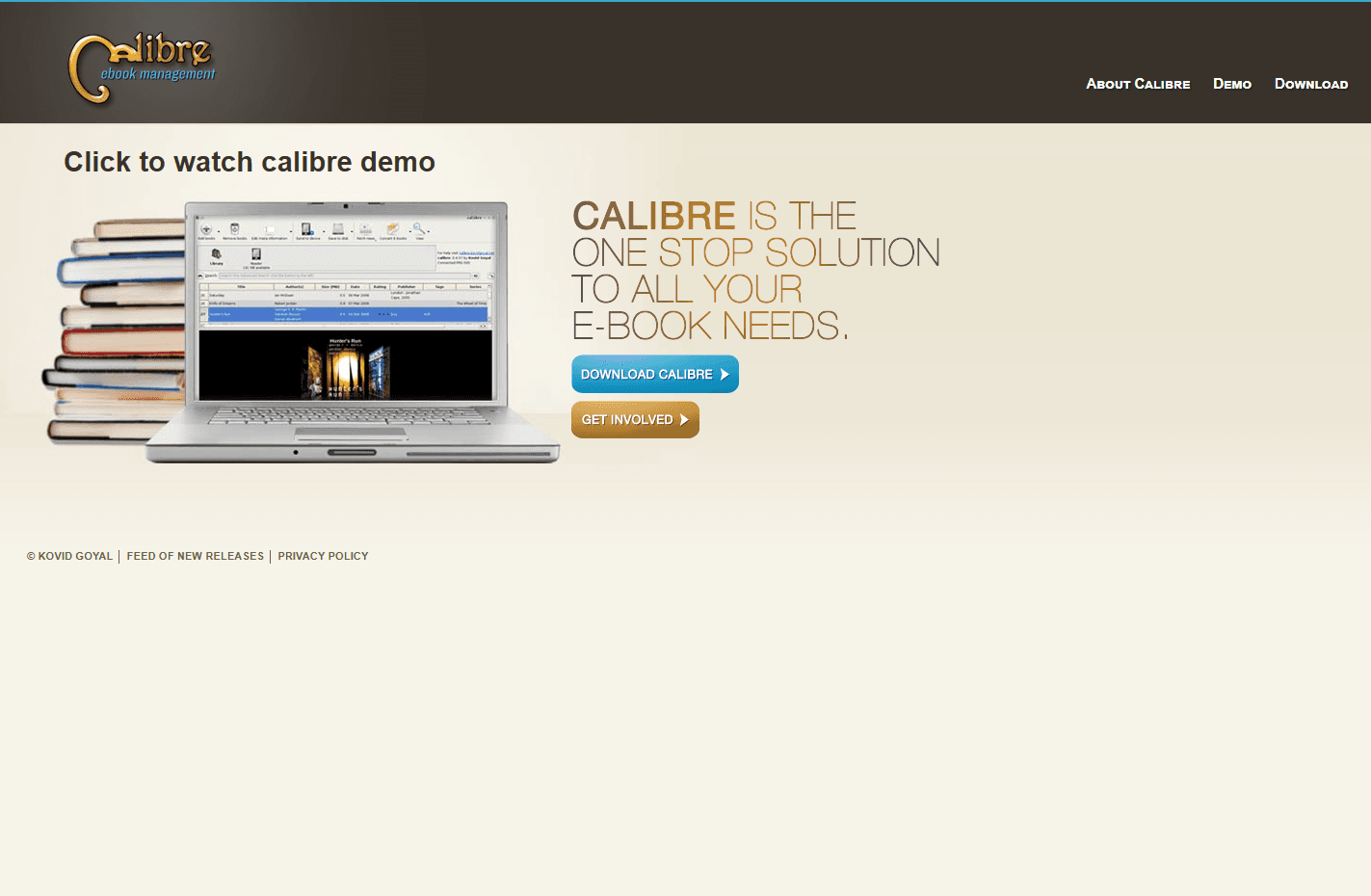
Calibre is a free, open-source ebook manager. Handles thousands of books with format conversion, metadata editing, and device sync.
Install via Homebrew: brew install --cask calibre or download from calibre-ebook.com
What you get:
- Library management for thousands of books
- Format conversion (EPUB, MOBI, AZW3, PDF, and 20+ formats)
- Metadata editing (covers, authors, tags, series)
- Built-in EPUB reader with customization
- Device sync (Kindle, Kobo, Nook)
- News download (convert websites to ebooks)
- Plugin ecosystem for extended features
- Search and filter by any metadata field
- Duplicate detection
- Launch time 2-3 seconds
- Memory usage 150-250MB
What you don't get:
- Interface not Mac-native (Qt-based)
- Steeper learning curve
- Heavy for casual reading
- No iCloud sync
Calibre fits power users who manage large ebook collections. Format conversion works flawlessly. Metadata editing keeps libraries organized. If you have 100+ ebooks, Calibre is essential.
3. Thorium Reader (Best for Accessibility)
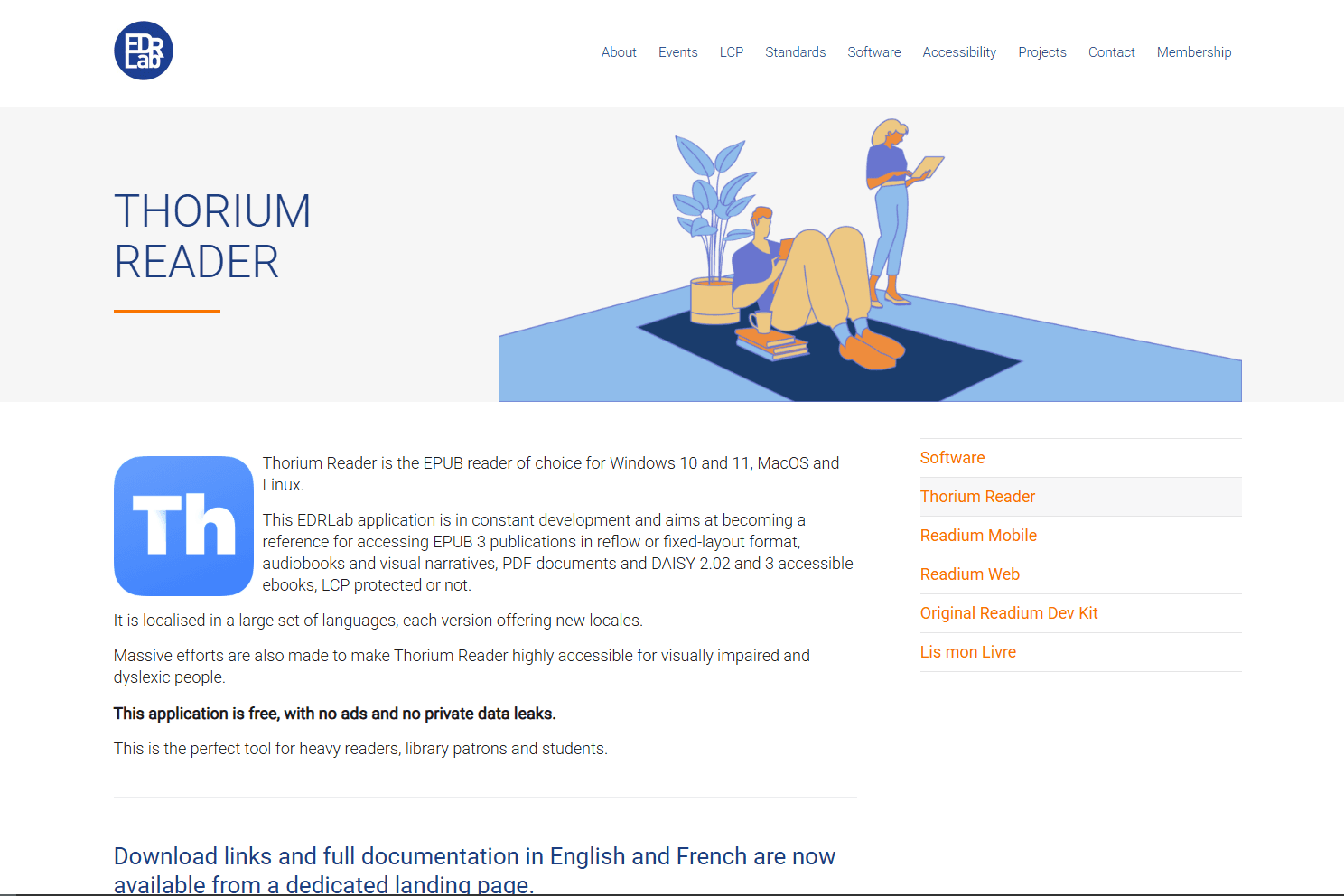
Thorium Reader is a free, open-source EPUB reader built for accessibility. WCAG 2.1 compliant with screen reader support.
Download from edrlab.org or install via Homebrew: brew install --cask thorium
What you get:
- Screen reader support (VoiceOver compatible)
- Text-to-speech with adjustable speed
- Customizable text size, spacing, and layout
- High-contrast modes and color themes
- Keyboard navigation (full keyboard control)
- EPUB 3 support with media overlays
- Audiobook support
- LCP DRM support (library ebooks)
- OPDS catalog support
- Launch time under 2 seconds
- Memory usage 100-150MB
What you don't get:
- No library management
- No format conversion
- No sync across devices
- Basic interface
Thorium Reader fits users who need accessibility features. Screen reader support works with VoiceOver. Text customization helps dyslexic readers. Library ebook support (LCP DRM) works with public libraries.
4. Kindle for Mac (Best for Amazon Users)
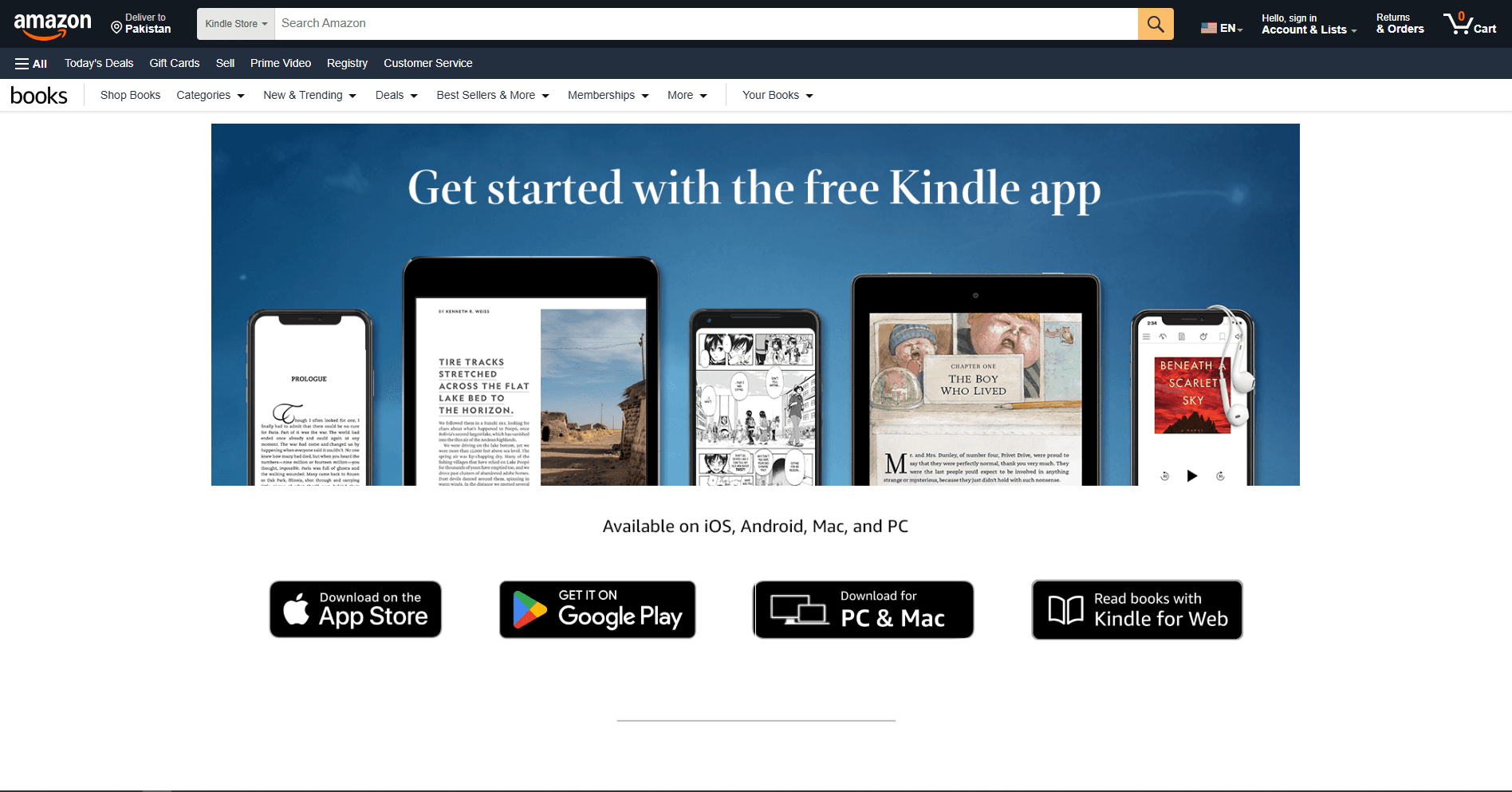
Kindle for Mac is Amazon's official ebook reader. Free and syncs with Kindle devices and apps.
Download from amazon.com/kindle-dbs/fd/kcp
What you get:
- Sync with Kindle devices and apps
- Access to Amazon Kindle Store
- Whispersync (syncs reading position)
- Highlights and notes with sync
- X-Ray feature (character and term lookup)
- Word Wise (vocabulary help)
- Flashcards from highlights
- Launch time under 2 seconds
- Memory usage 120-180MB
What you don't get:
- Limited EPUB support (converts to Kindle format)
- No library management
- No format conversion
- Requires Amazon account
Kindle for Mac fits Amazon Kindle users. If you buy books from Amazon, the sync works across all devices. For DRM-free EPUBs, use Apple Books or Calibre.
5. Bookshelf (Best Modern Interface)
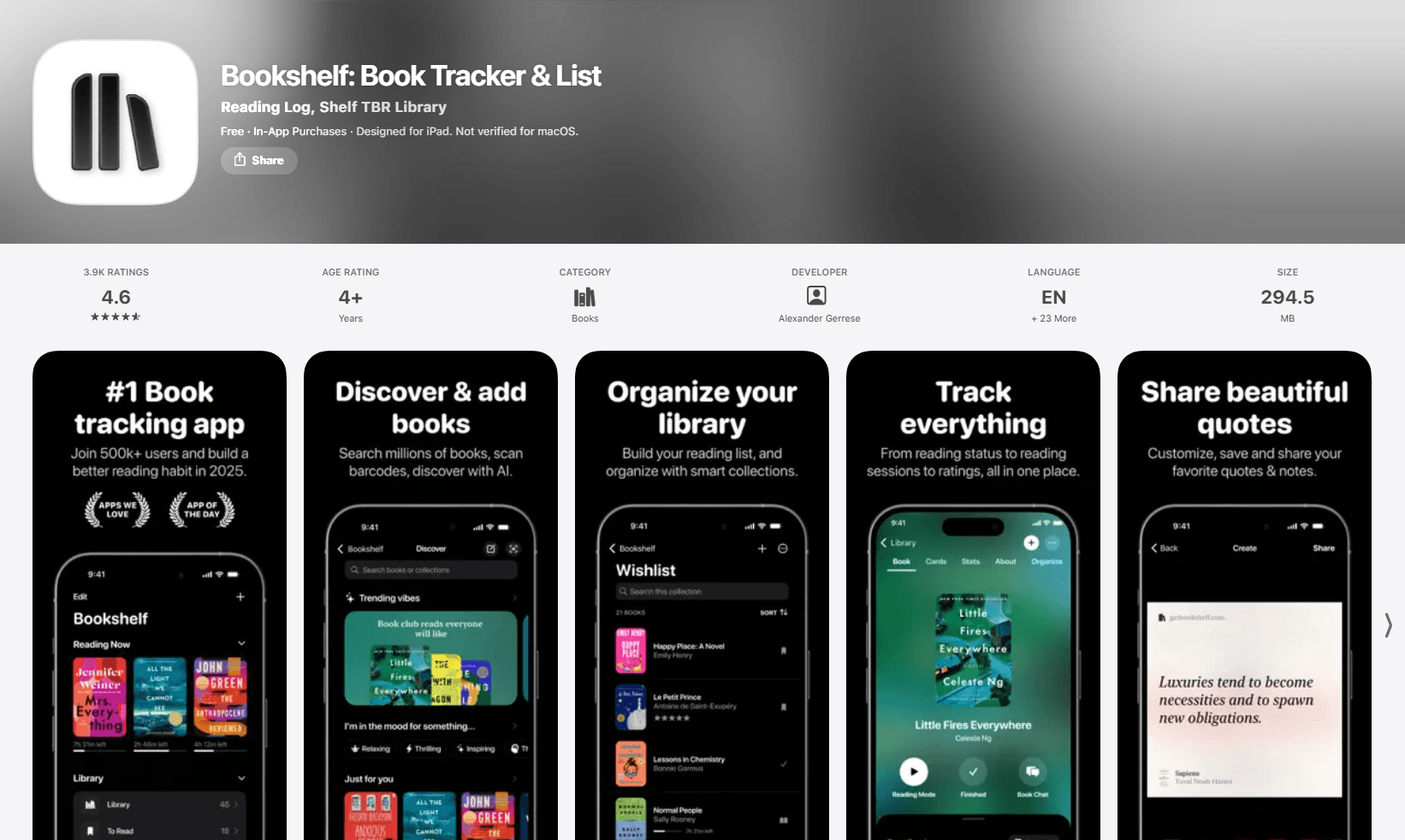
Bookshelf is a modern EPUB reader for Mac. $9.99 one-time purchase from Mac App Store.
Native Mac app with clean interface and reading statistics.
What you get:
- Modern, native Mac interface
- Reading statistics (time, pages, streaks)
- Collections and tags
- Highlights and notes
- iCloud sync (Mac only, no iOS version)
- Dark mode and themes
- Font and layout customization
- Search within books
- Launch time under 1 second
- Memory usage 60-100MB
What you don't get:
- No iOS version (Mac only)
- No format conversion
- No library management tools
- Paid app ($9.99)
Bookshelf fits Mac users who want a modern, native EPUB reader with reading statistics. The interface is cleaner than Calibre. Reading streaks motivate daily reading.
6. Koodo Reader (Best Free Alternative)
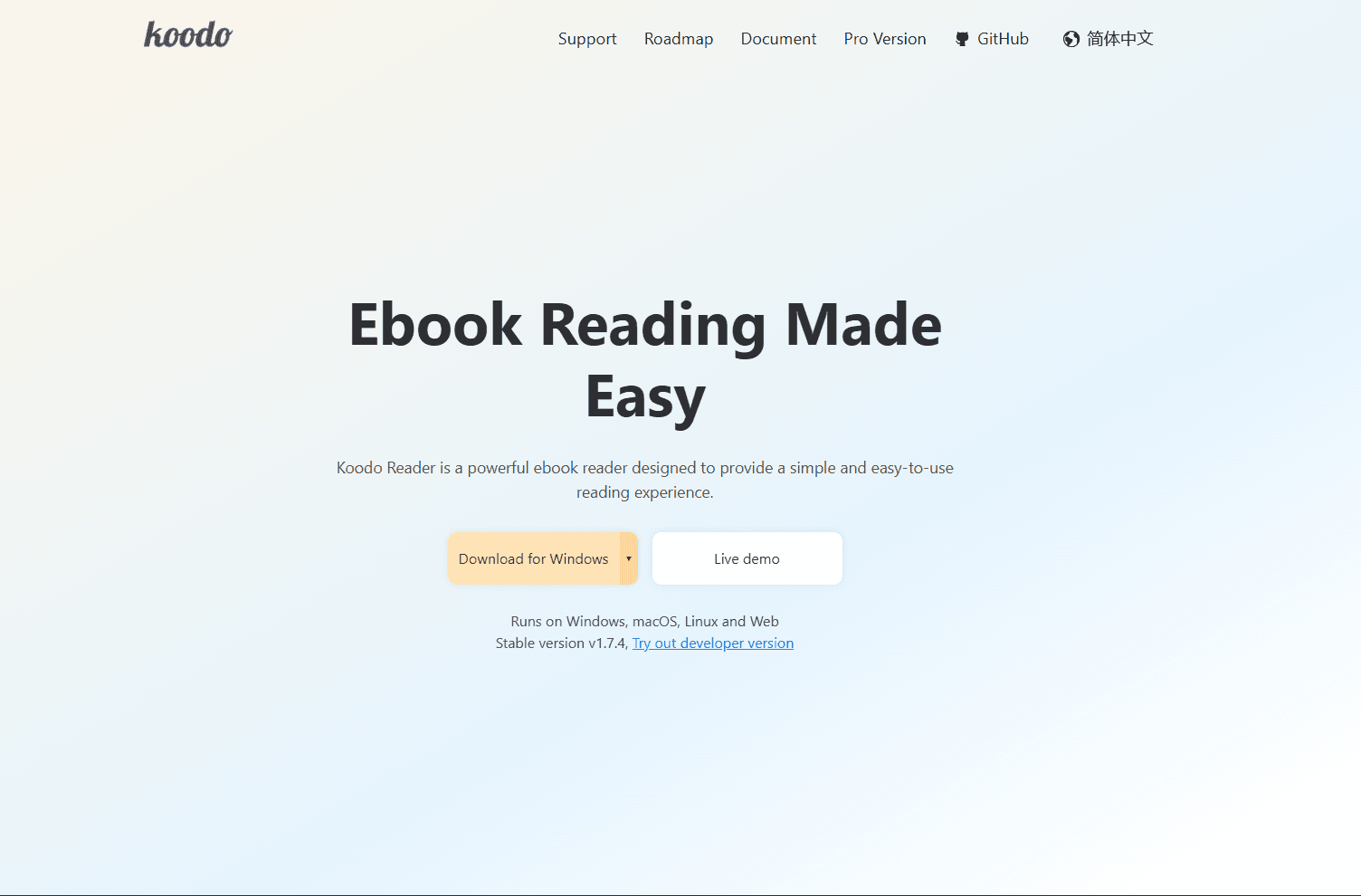
Koodo Reader is a free, open-source ebook reader. Modern interface with cloud sync support.
Download from koodo.960960.xyz or install via Homebrew: brew install --cask koodo-reader
What you get:
- Modern, clean interface
- Format support (EPUB, PDF, MOBI, AZW3, TXT, FB2, CBR, CBZ)
- Highlights and notes
- Cloud sync (OneDrive, Google Drive, Dropbox, WebDAV)
- Reading statistics
- Text-to-speech
- Translation support
- Dark mode and themes
- Launch time under 2 seconds
- Memory usage 100-150MB
What you don't get:
- No library management
- No format conversion
- Sync requires manual setup
- Smaller community than Calibre
Koodo Reader fits users who want a modern, free EPUB reader with cloud sync. The interface is cleaner than Calibre. Cloud sync works with OneDrive, Google Drive, and Dropbox.
7. Readest (Best Lightweight Option)
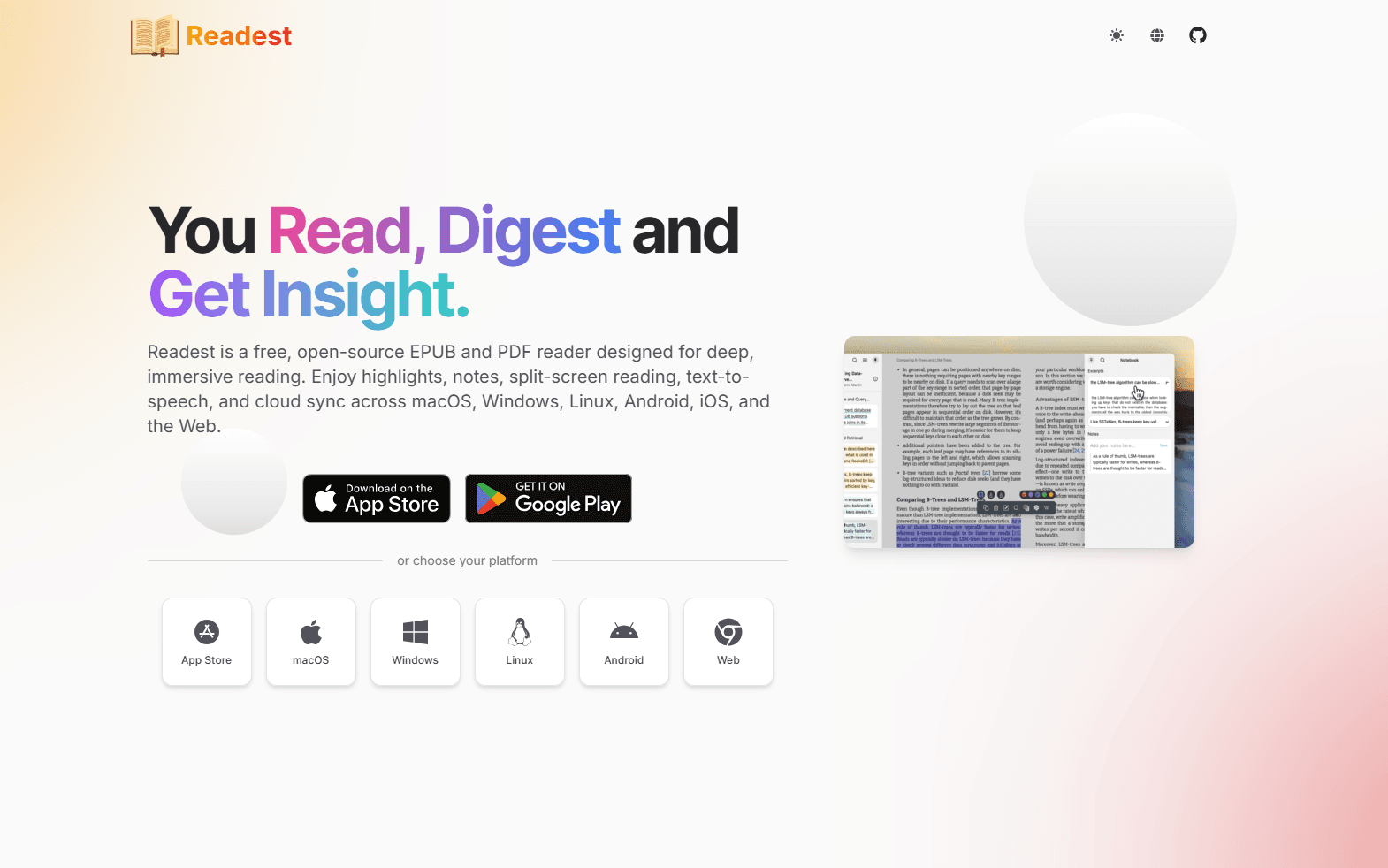
Readest is a lightweight, open-source EPUB reader. Free and minimal interface.
Download from readest.com or GitHub releases.
What you get:
- Lightweight (under 50MB installed)
- Fast launch (under 1 second)
- EPUB and PDF support
- Highlights and notes
- Bookmarks
- Font and theme customization
- Minimal interface
- Memory usage 40-80MB
What you don't get:
- No library management
- No sync
- No format conversion
- Basic feature set
Readest fits users who want a lightweight EPUB reader without extra features. Launches instantly and uses minimal RAM. Good for quick reading without library management overhead.
EPUB Reader Comparison Table
| Reader | Price | Mac-native? | Library management | Sync | Best for |
|---|---|---|---|---|---|
| Apple Books | Free | Yes | Basic | iCloud | Apple ecosystem |
| Calibre | Free | No (Qt) | Excellent | Manual | Power users |
| Thorium Reader | Free | No (Electron) | No | No | Accessibility |
| Kindle for Mac | Free | No | No | Amazon | Kindle users |
| Bookshelf | $9.99 | Yes | Basic | iCloud (Mac only) | Modern interface |
| Koodo Reader | Free | No (Electron) | Basic | Cloud (manual) | Free alternative |
| Readest | Free | No | No | No | Lightweight |
Which EPUB Reader Should You Actually Use?
For most Mac users in the Apple ecosystem, Apple Books is the best choice. It's pre-installed, syncs across devices, and handles EPUB files without setup.
For power users with large ebook collections, Calibre is essential. Format conversion, metadata editing, and library management work flawlessly. The interface isn't Mac-native but the features justify the tradeoff.
For accessibility needs, Thorium Reader provides screen reader support and text customization. WCAG 2.1 compliant with VoiceOver compatibility.
For Amazon Kindle users, Kindle for Mac syncs with Kindle devices and apps. Whispersync keeps reading position across devices.
For modern interface with reading statistics, Bookshelf ($9.99) provides a native Mac experience with clean design.
For free alternative with cloud sync, Koodo Reader supports OneDrive, Google Drive, and Dropbox sync.
For lightweight reading, Readest launches instantly and uses minimal RAM.
Using more than one reader is normal. Apple Books for purchased books, Calibre for library management, Thorium Reader for accessibility needs.
Platform-Specific Tips for Mac
Homebrew installation: Most readers install via Homebrew Cask:
- brew install --cask calibre
- brew install --cask thorium
- brew install --cask koodo-reader
Apple Silicon optimization:
- Apple Books: Native ARM64
- Calibre: Universal binary (native Apple Silicon)
- Thorium Reader: Electron (runs via Rosetta 2)
- Kindle for Mac: Universal binary
- Koodo Reader: Electron (runs via Rosetta 2)
Quick Look preview: Install qlEPUB for Quick Look support: brew install --cask qlepub
Then press Space on any .epub file in Finder to preview.
File associations: Set default EPUB reader:
- Right-click any EPUB file
- Select "Get Info"
- Under "Open with:", select your preferred reader
- Click "Change All..."
iCloud Drive integration: Store EPUBs in iCloud Drive for access across devices. Apple Books automatically indexes EPUBs in iCloud Drive.
Frequently Asked Questions
What's the best free EPUB reader for Mac?
Apple Books for Apple ecosystem users or Calibre for power users. Apple Books is pre-installed, syncs via iCloud, and handles EPUB files without setup. Calibre provides library management, format conversion, and metadata editing. Both are free. Apple Books is native Mac app. Calibre is cross-platform (Mac, Windows, Linux). For accessibility, use Thorium Reader (free, WCAG 2.1 compliant).
Does Apple Books support EPUB files?
Yes. Apple Books opens EPUB files natively. Drag and drop EPUB files into Apple Books or double-click to open. Your library syncs across Mac, iPhone, and iPad via iCloud. Highlights, notes, and reading position sync automatically. Apple Books supports EPUB 2 and EPUB 3 formats. DRM-protected EPUBs from other stores may not work.
How do I convert EPUB to PDF on Mac?
Use Calibre for best results. Install Calibre (brew install --cask calibre), add your EPUB file, select it, click "Convert books", choose PDF as output format, and click OK. Calibre preserves formatting and images. For quick conversion, open EPUB in Apple Books, then File > Print > Save as PDF. This method may lose some formatting.
Can I read Kindle books on Mac?
Yes. Download Kindle for Mac from amazon.com/kindle-dbs/fd/kcp. Sign in with your Amazon account. Your Kindle library syncs automatically. Whispersync keeps reading position across devices. For DRM-free EPUB files, use Apple Books or Calibre. Kindle for Mac doesn't support sideloaded EPUBs well.
What's the best EPUB reader for large libraries on Mac?
Calibre. It handles thousands of books with search, filtering, and metadata editing. Format conversion works for EPUB, MOBI, AZW3, PDF, and 20+ formats. Device sync works with Kindle, Kobo, and Nook. Plugin ecosystem extends functionality. Install via brew install --cask calibre. The interface isn't Mac-native but the features justify the tradeoff.
Does Calibre work well on Mac?
Yes. Calibre runs natively on Apple Silicon Macs (Universal binary). Library management, format conversion, and device sync work flawlessly. The interface uses Qt (not native Mac UI) but performance is excellent. Memory usage is 150-250MB. Launch time is 2-3 seconds. For large libraries (1000+ books), Calibre is the best option on Mac.
How do I sync EPUB books across Mac and iPhone?
Use Apple Books with iCloud. Enable iCloud for Books in System Settings > Apple ID > iCloud > Books. Your library, reading position, highlights, and notes sync automatically. Works across Mac, iPhone, iPad, and Apple Vision Pro. For non-Apple devices, use Calibre with manual sync or Koodo Reader with cloud storage (OneDrive, Google Drive, Dropbox).
What's the best EPUB reader for accessibility on Mac?
Thorium Reader. It's WCAG 2.1 compliant with VoiceOver support, text-to-speech with adjustable speed, customizable text size and spacing, high-contrast modes, and full keyboard navigation. Free and open-source. Download from edrlab.org. For built-in option, Apple Books works with VoiceOver but has fewer customization options than Thorium Reader.
Related Reading
Using a different platform? See platform-specific EPUB reader guides:
- Best EPUB readers for Windows for Windows 11 and 10
- Best EPUB readers for Ubuntu for Ubuntu Linux
For other file formats on Mac:
Read More
All Articles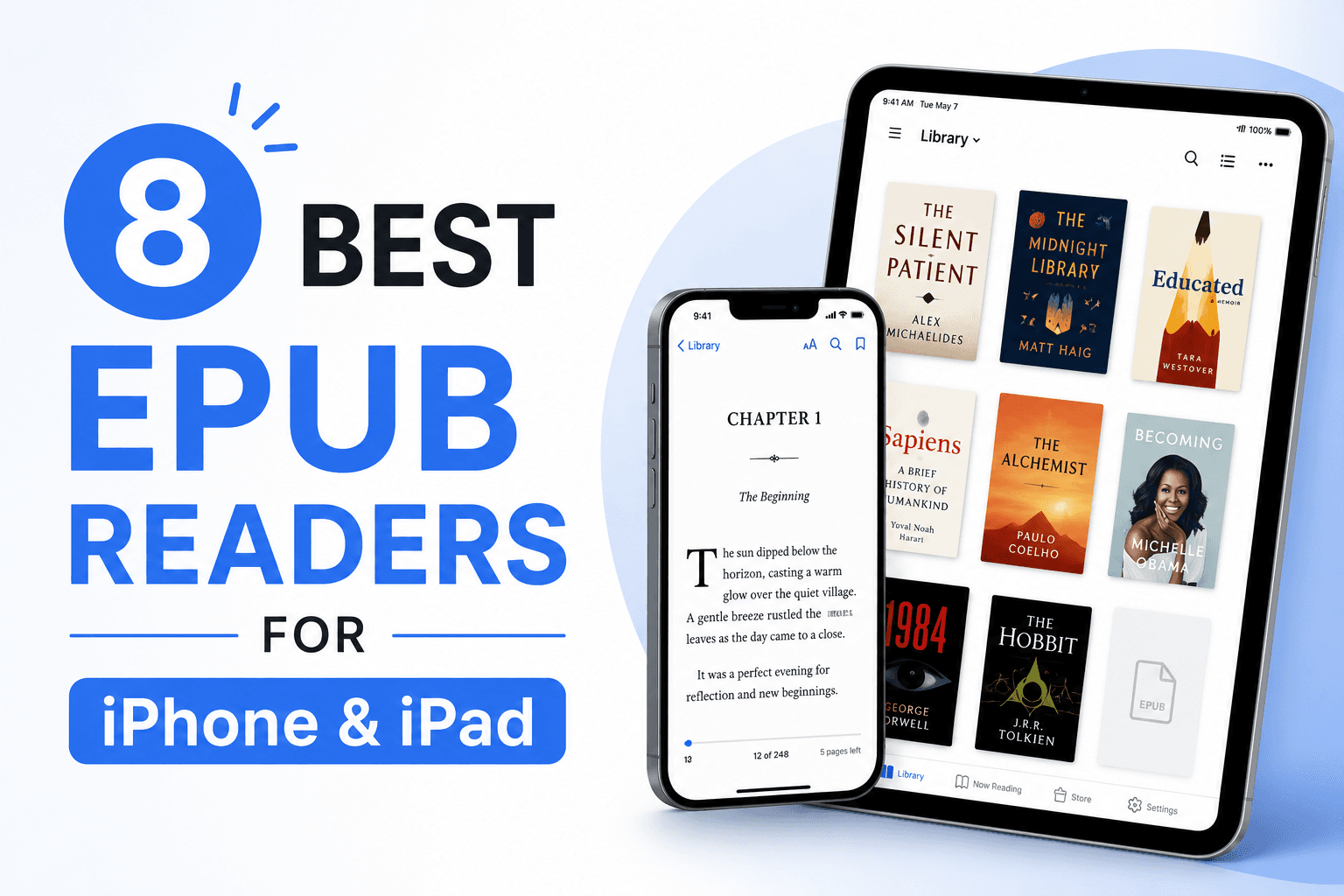
8 Best EPUB Readers for iPhone & iPad in 2026 (Free & Paid)
Find the best EPUB reader for iPhone and iPad with iCloud sync, Apple Pencil support, and split-screen multitasking. Compare Apple Books, KyBook 3, LiquidText, and more for iOS reading.
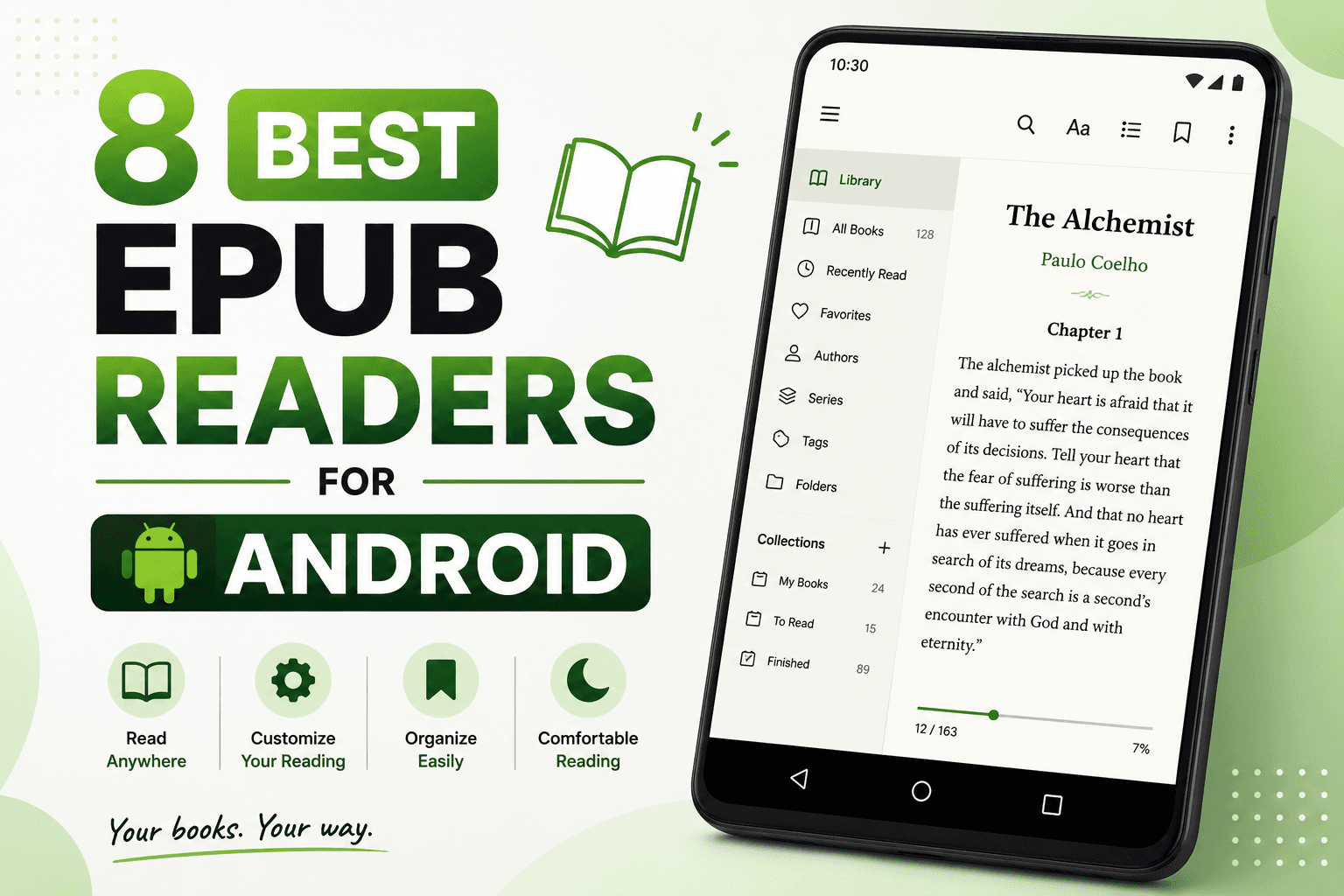
8 Best EPUB Readers for Android in 2026 (Free & Paid)
Find the best EPUB reader for Android with library management, annotations, and sync. Compare Moon+ Reader, ReadEra, Google Play Books, and more for reading ebooks on phones and tablets.
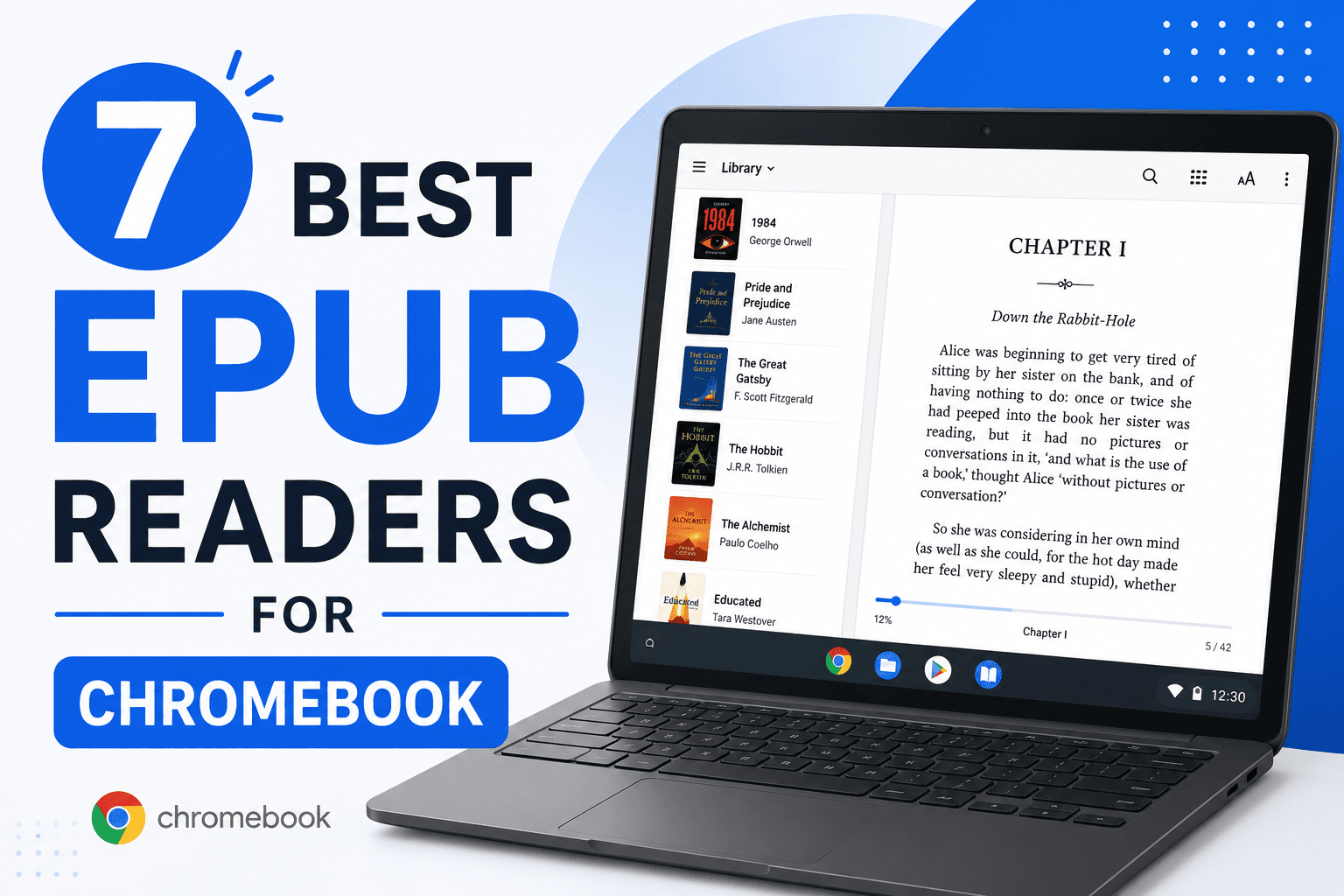
7 Best EPUB Readers for Chromebook in 2026 (Free & Paid)
Find the best EPUB reader for Chromebook with Android apps, Chrome extensions, and Linux apps. Compare Google Play Books, ReadEra, EPUBReader, and more for reading ebooks.