5 Best JSON Editor Plugins for Eclipse in 2026 (Setup Guide)
Eclipse's built-in JSON support is almost nonexistent. No syntax highlighting out of the box, no validation, no formatting. The plugins below fix this, but none of them are as good as what VS Code offers natively. If JSON is a big part of your workflow, VS Code is worth considering as a companion editor.
1. Wild Web Developer
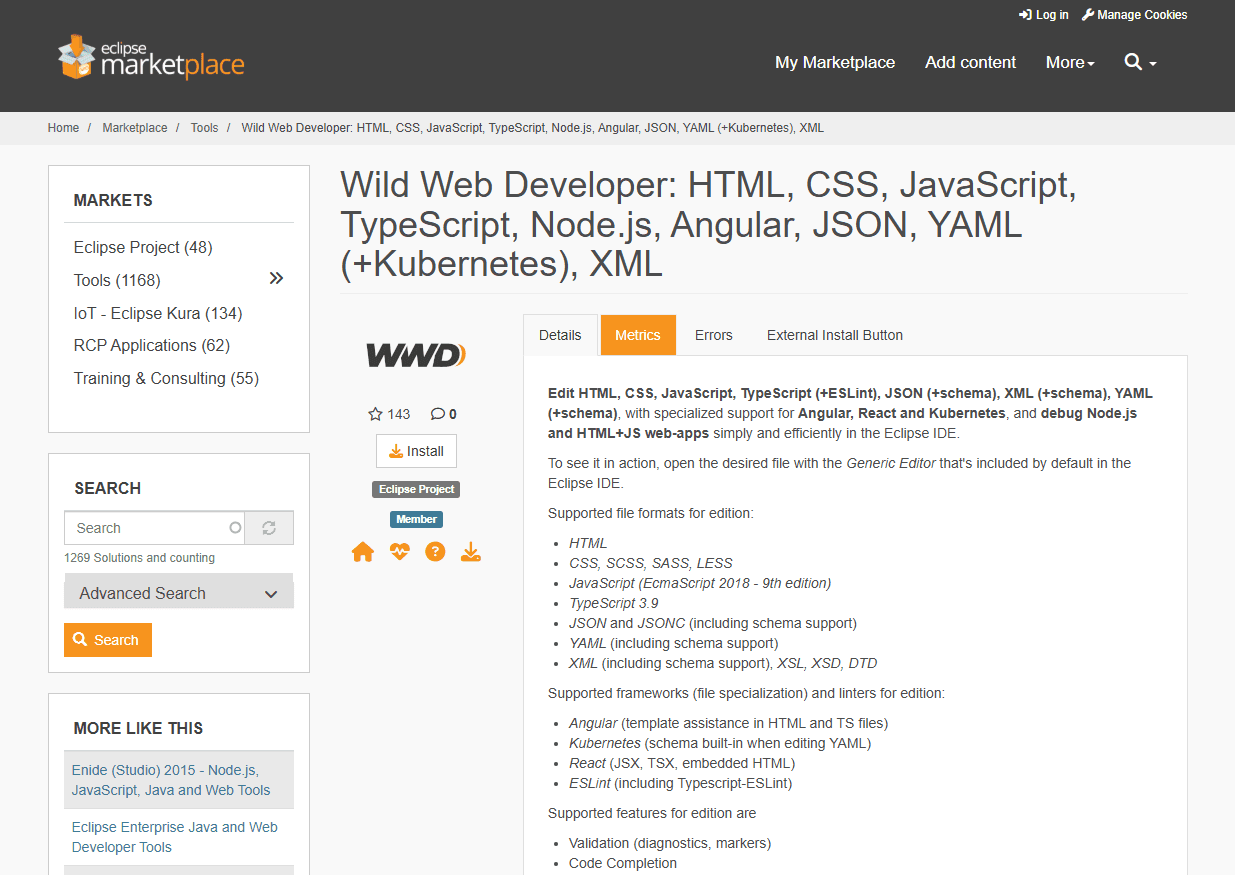
Wild Web Developer is the best JSON plugin for Eclipse. Maintained by Eclipse Foundation, uses the same language server as VS Code.
How to install:
Help > Eclipse Marketplace > search "Wild Web Developer" > click Install > restart Eclipse when prompted.
Eclipse version: Requires Eclipse 2022-06 or newer. Won't work on older versions.
What it adds:
- Full syntax highlighting with bracket matching
- Real-time validation with inline error markers
- JSON Schema validation and autocomplete
- Auto-formatting (Ctrl+Shift+F)
- Code folding for nested structures
Honest limitation: No visual tree view. You're editing raw JSON text, not clicking through a tree structure like some other editors provide.
[SCREENSHOT: Eclipse IDE with Wild Web Developer showing a JSON file with syntax highlighting]
2. JSON Editor Plugin (Legacy)
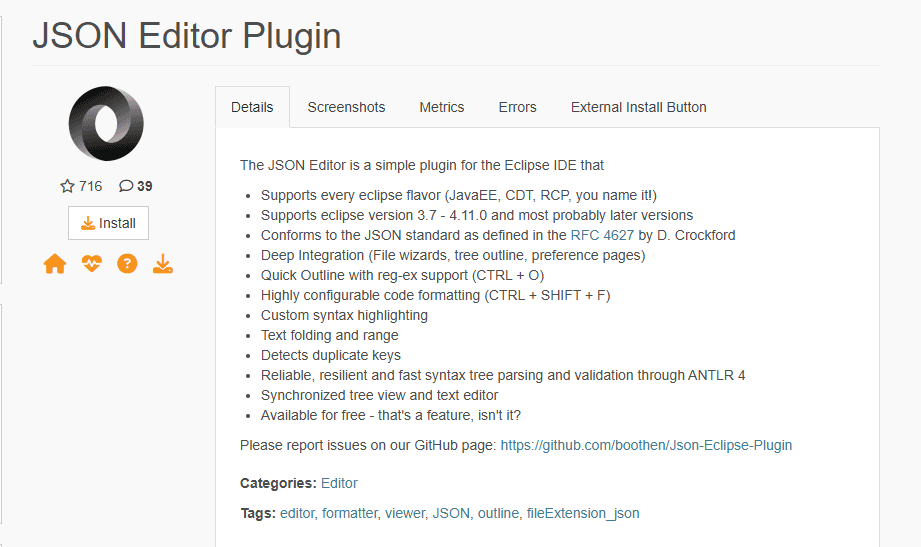
JSON Editor Plugin by Adam Nokes. The old standard, but no longer actively maintained.
How to install:
Help > Eclipse Marketplace > search "JSON Editor Plugin" > click Install. May fail on newer Eclipse versions.
Eclipse version: Works best on Eclipse 4.x through 2021 editions. Unreliable on Eclipse 2022+.
What it adds:
- Syntax highlighting
- Split-pane tree view alongside raw text
- Basic structural validation (no schema support)
- Click-to-navigate tree structure
Honest limitation: Plugin hasn't been updated for modern Eclipse APIs. Installation may fail or behave inconsistently on current Eclipse versions.
[SCREENSHOT: Eclipse IDE with JSON Editor Plugin showing split tree and text view]
3. Eclipse Web Tools Platform (Built-in)
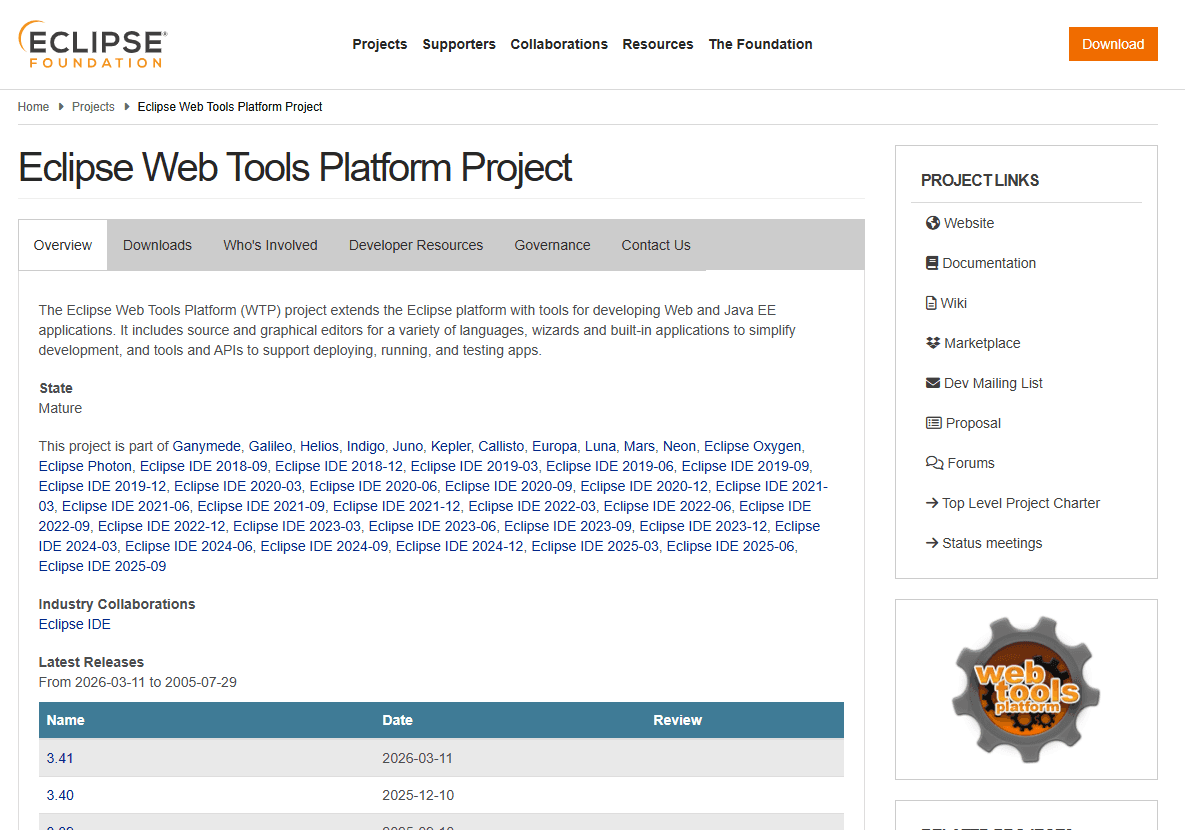
Some Eclipse editions include basic JSON support via Web Tools Platform. No installation needed if you have "Eclipse IDE for Enterprise Java and Web Developers."
How to check if you have it:
Open a .json file. If you see syntax highlighting, WTP is active. If plain text, it's not installed.
Eclipse version: Included in Enterprise Java and Web Developers edition. Varies by Eclipse version and package.
What it adds:
- Basic syntax highlighting
- Code folding
- File association for .json files
Honest limitation: No validation, no schema support, no formatting. Just colored text. You'll want Wild Web Developer on top of this for real JSON work.
Plugin Comparison
| Plugin | Eclipse Version | Formatting | Validation | Free? |
|---|---|---|---|---|
| Wild Web Developer | 2022-06+ | Yes | Yes (Schema) | Yes |
| JSON Editor Plugin | 4.x - 2021 | No | Basic | Yes |
| Eclipse WTP (built-in) | Varies | No | No | Yes |
Recommendation
Wild Web Developer is the best starting point for most Eclipse users. It covers JSON, YAML, and more in one install. If you only need syntax highlighting and lightweight editing, the standalone JSON editor plugin is faster to install with less overhead. If you're spending significant time on JSON work, opening those files in VS Code side-by-side is genuinely the practical answer.
Frequently Asked Questions
How do I add JSON support to Eclipse?
Install Wild Web Developer from Eclipse Marketplace. Go to Help > Eclipse Marketplace, search "Wild Web Developer", click Install, restart Eclipse. After restart, right-click a .json file and select Open With > JSON Editor to associate it. For permanent association, go to Window > Preferences > General > Editors > File Associations and set Wild Web Developer as default for .json files.
What's the best free JSON plugin for Eclipse?
Wild Web Developer. It's maintained by Eclipse Foundation, provides syntax highlighting, real-time validation, JSON Schema support, and formatting. Works on Eclipse 2022-06 and newer. Install via Help > Eclipse Marketplace > search "Wild Web Developer". It's completely free and handles JSON better than any other Eclipse plugin currently available.
Does Eclipse support JSON schema validation?
Yes, through Wild Web Developer plugin. Add "$schema": "https://json.schemastore.org/package" to your JSON file, and Eclipse validates against that schema automatically. You can also configure workspace schema mappings in Window > Preferences > JSON > JSON Files > JSON Schema for offline validation. Built-in Eclipse has no schema validation without plugins.
Why doesn't Eclipse highlight JSON syntax by default?
Eclipse focuses on Java development. JSON support isn't built-in because it's not core to Java development workflow. You need a plugin like Wild Web Developer to get syntax highlighting, validation, and formatting. This is different from VS Code, which includes JSON support out of the box. Install Wild Web Developer to fix this.
Can I format JSON files in Eclipse?
Yes, after installing Wild Web Developer. Use Ctrl+Shift+F (same shortcut as Java formatting) or right-click and select Source > Format. Without a plugin, Eclipse has no JSON formatting capability. The formatting uses the same engine as VS Code, so output is consistent between editors. You can also enable format-on-save in preferences.
Related Reading
Best JSON editors for Linux and Best JSON editors for Windows cover JSON editing outside Eclipse. If you need to combine multiple JSON files, the JSON merger tool handles it in your browser. For format comparisons, JSON vs XML vs YAML explains when each format fits best.
Read More
All Articles
How JSON Powers Everything: APIs, Web Apps & Real-Time Data (2026)
Discover how JSON powers modern web applications, REST APIs, and real-time systems. Learn why JSON became the universal data format for web development, mobile apps, and cloud services.
How to Add Image in JSON: URL, Base64 & File Path Methods (2026)
Add images to JSON using URLs, base64 encoding, or file paths. Complete guide with code examples, size optimization tips, and best practices for each method in web and mobile apps.
How to Merge GPX Files: Free Tool + Python + GPSBabel Guide (2026)
Merge multiple GPX files into one using free online tool, Python, or GPSBabel. Complete guide for combining GPS tracks, waypoints, and routes from Garmin, Strava, Komoot, and other devices.