VS Code vs IntelliJ IDEA in 2026: Which IDE Wins for Professional Development?
Imad Uddin
Full Stack Developer
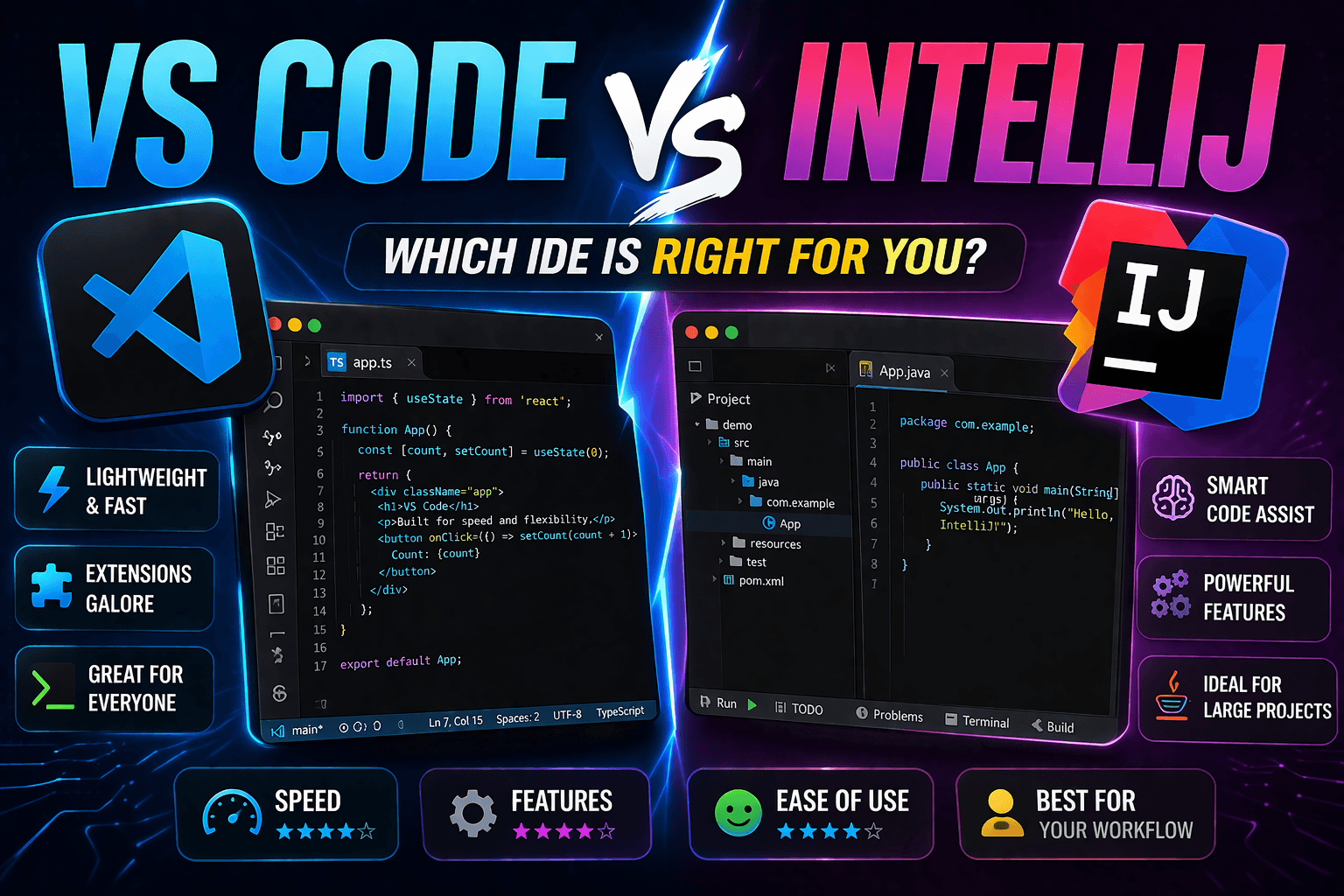
The choice between VS Code and IntelliJ IDEA fundamentally shapes development workflows, team collaboration, and long-term project maintainability. While VS Code dominates web development and general-purpose editing, IntelliJ IDEA excels in Java enterprise development and complex refactoring workflows that require sophisticated code intelligence.
This comparison examines real-world performance differences, ecosystem advantages, and total cost of ownership to help development teams make informed IDE decisions based on project requirements, team size, and development complexity rather than surface-level feature comparisons.
Architecture and Performance Philosophy
VS Code's Electron Foundation: Microsoft built VS Code on Electron, prioritizing cross-platform consistency and rapid extension development over native performance. This architecture enables VS Code's massive extension ecosystem (50,000+ extensions) but introduces memory overhead and performance limitations compared to native applications.
IntelliJ's Native Java Platform: JetBrains developed IntelliJ IDEA on the Java platform with custom UI frameworks optimized for IDE functionality. This approach delivers superior performance for complex refactoring operations and code analysis but requires more system resources and longer startup times.
Memory Usage Comparison: VS Code typically uses 300-600MB for medium projects, scaling to 1-2GB with extensive extensions. IntelliJ IDEA baseline memory consumption starts at 700MB-1.2GB, reaching 2-4GB for enterprise projects with full indexing. The performance trade-off becomes significant in resource-constrained environments.
Startup Performance Analysis: VS Code launches in 2-4 seconds with immediate editing capability, while IntelliJ IDEA requires 8-15 seconds for full IDE initialization including project indexing. However, IntelliJ's comprehensive project analysis provides immediate code intelligence that VS Code achieves only after extension loading and Language Server initialization.
Development Workflow Comparison
Java and JVM Language Development
IntelliJ IDEA's Java Supremacy: IntelliJ IDEA provides unmatched Java development capabilities through deep language understanding, sophisticated refactoring tools, and enterprise framework integration that VS Code cannot replicate even with extensive extensions.
Advanced Java Features in IntelliJ:
- Intelligent Code Completion: Context-aware suggestions that understand Spring Framework, Hibernate, and other enterprise patterns
- Refactoring Excellence: 60+ automated refactoring operations including complex inheritance hierarchy modifications
- Framework Integration: Native support for Spring Boot, Maven, Gradle with visual dependency management
- Enterprise Debugging: Advanced debugging with expression evaluation, memory analysis, and thread management
- Code Quality Analysis: Built-in static analysis with 1,000+ inspection rules for Java best practices
VS Code Java Development: Microsoft's Java Extension Pack provides competent Java development through Language Server Protocol (LSP) but lacks the sophisticated refactoring and enterprise integration that IntelliJ provides natively.
Performance Benchmarks for Java Projects:
- Project Indexing: IntelliJ completes 100,000-file Java project indexing in 30-45 seconds; VS Code requires 60-90 seconds for equivalent code intelligence
- Refactoring Speed: IntelliJ's "Rename Method" across large projects completes in 2-5 seconds; VS Code requires 10-20 seconds for complex refactoring
- Memory Efficiency: IntelliJ's intelligent indexing uses memory more efficiently for large Java projects compared to VS Code's multiple Language Server processes
Web Development and Frontend Frameworks
VS Code's Web Development Leadership: VS Code dominates web development through superior extension ecosystem, built-in terminal integration, and optimized performance for JavaScript/TypeScript workflows that constitute modern web development.
VS Code Web Development Advantages:
- Extension Ecosystem: Specialized extensions for React, Vue, Angular, and modern frameworks with active maintenance
- Integrated Development Server: Built-in support for live reload, hot module replacement, and debugging server workflows
- Git Integration: Sophisticated Git workflows with visual merge conflict resolution optimized for web development team collaboration
- Package Manager Integration: Native npm, yarn, and pnpm support with dependency management visualization
- Browser Debugging: Chrome DevTools integration with VS Code debugging protocol for seamless client-side debugging
IntelliJ Ultimate Web Features: IntelliJ IDEA Ultimate provides professional web development capabilities but requires annual subscription ($149-$649) compared to VS Code's free availability with equivalent web development functionality.
JavaScript/TypeScript Performance:
- IntelliSense Speed: VS Code provides faster TypeScript completion and error detection through optimized TypeScript Language Service
- Build Integration: VS Code integrates more efficiently with modern build tools (Vite, Webpack, Rollup) through terminal and task integration
- Extension Loading: VS Code's web development extensions load faster and consume less memory than IntelliJ's equivalent plugins
Cross-Language and Polyglot Development
VS Code's Multi-Language Flexibility: VS Code excels in environments requiring multiple programming languages through its Language Server Protocol architecture that provides consistent development experience across Python, Go, Rust, C++, and other languages.
IntelliJ's Language-Specific IDEs: JetBrains offers specialized IDEs (PyCharm for Python, GoLand for Go, CLion for C++) that provide deeper language integration than VS Code but require separate licenses and IDE management for polyglot teams.
Team Standardization Benefits:
- VS Code: Single IDE for all languages reduces training overhead and maintains consistent workflow across different projects
- IntelliJ Suite: Specialized IDEs provide optimal functionality for specific languages but increase complexity in multi-language environments
Extension Ecosystem and Customization
VS Code Extension Marketplace
Marketplace Scale: VS Code's marketplace hosts over 50,000 extensions with active community development and Microsoft's quality assurance processes. This ecosystem covers specialized workflows including embedded development, data science, and niche programming languages.
High-Impact Extensions:
- Language Support: Extensions for 200+ programming languages with active maintenance
- Productivity Tools: GitHub Copilot, Live Share, Remote Development for enhanced collaboration
- DevOps Integration: Docker, Kubernetes, AWS, and Azure extensions for cloud development workflows
- Theme and Customization: Extensive theming options and interface modifications for personalized development environments
Extension Quality and Security: Microsoft implements security scanning and publisher verification for marketplace extensions, though the open ecosystem requires developers to evaluate extension quality and maintenance status.
IntelliJ Plugin Ecosystem
Plugin Marketplace: JetBrains Marketplace provides 4,000+ plugins with comprehensive quality testing and compatibility verification across IntelliJ platform versions.
Enterprise-Grade Plugins:
- Database Tools: Advanced database integration with visual query builders and schema management
- Version Control: Superior integration with enterprise version control systems including Perforce and Team Foundation Server
- Framework Support: Official plugins for enterprise frameworks with deep integration and professional support
- Code Quality: Advanced static analysis tools and enterprise code quality management plugins
Plugin Stability: JetBrains maintains strict compatibility standards ensuring plugin reliability across IDE updates, reducing workflow disruption compared to VS Code's more fragmented extension ecosystem.
Team Collaboration and Enterprise Integration
Collaboration Features
VS Code Live Share: Microsoft's Live Share enables real-time collaborative editing with voice chat integration, shared terminals, and localhost sharing for distributed development teams working on web applications and general programming projects.
IntelliJ Code With Me: JetBrains' collaborative editing solution provides similar real-time collaboration with additional features including shared debugging sessions and synchronized IDE state across participants.
Collaboration Performance:
- VS Code Live Share: Excellent performance for web development and scripting languages with minimal latency
- IntelliJ Code With Me: Superior performance for complex Java projects with shared refactoring and debugging capabilities
Enterprise Integration and Management
VS Code Enterprise Deployment:
- Group Policy Support: Windows domain integration with centralized configuration management
- Extension Management: Centralized extension deployment and security policy enforcement
- Telemetry Control: Comprehensive telemetry and data collection controls for compliance requirements
- License Management: Free usage eliminates license tracking and compliance overhead
IntelliJ Enterprise Features:
- Fleet Management: Centralized IDE deployment and configuration across development teams
- License Server: Enterprise license management with usage tracking and compliance reporting
- Security Integration: Advanced security features including LDAP authentication and enterprise SSO integration
- Audit and Compliance: Detailed usage logging and audit trails for regulated development environments
Cost Analysis and Total Ownership
VS Code Cost Structure
Base Cost: VS Code remains completely free for all use cases including commercial development, eliminating licensing costs that can be significant for large development teams.
Operational Costs:
- Training: Minimal training investment due to intuitive interface and extensive community documentation
- IT Management: Lower administrative overhead with simple installation and configuration processes
- Extension Licensing: Some premium extensions require separate licensing (GitHub Copilot: $10/month per user)
IntelliJ IDEA Pricing Model
Licensing Tiers:
- Community Edition: Free but limited to Java, Kotlin, and basic features without web development frameworks
- Ultimate Edition: $149/year individual, $499/year organization for first year, with reduced renewal rates
- All Products Pack: $649/year individual, $779/year organization providing access to all JetBrains IDEs
Enterprise Cost Calculations: For a 25-developer team using IntelliJ Ultimate:
- Annual License Cost: $12,475 (25 × $499)
- Three-Year Total: $31,188 including support and updates
- Training Investment: Higher due to IDE complexity and feature depth
ROI Considerations: IntelliJ's advanced refactoring and code analysis tools can provide productivity gains that justify licensing costs for Java-heavy enterprise development, particularly in complex codebases requiring frequent refactoring.
Performance Benchmarks and System Requirements
System Resource Usage
Hardware Requirements Comparison:
| Metric | VS Code | IntelliJ IDEA |
|---|---|---|
| Minimum RAM | 4GB | 8GB |
| Recommended RAM | 8GB | 16GB |
| Disk Space | 200MB | 2.5GB |
| CPU Usage (Idle) | 1-3% | 2-5% |
| CPU Usage (Active) | 5-15% | 10-25% |
Large Project Performance:
- Project Opening: VS Code opens large projects in 3-5 seconds; IntelliJ requires 15-30 seconds for full indexing
- File Navigation: Both provide sub-second file opening with IntelliJ offering slightly faster symbol navigation after indexing
- Memory Scaling: VS Code scales more efficiently with project size; IntelliJ memory usage grows significantly with project complexity
Development Productivity Metrics
Code Completion Speed:
- VS Code: 50-100ms response time for JavaScript/TypeScript through Language Server optimization
- IntelliJ: 20-50ms response time for Java through native code analysis engine
Refactoring Performance:
- Simple Refactoring (rename variable): VS Code 1-2 seconds, IntelliJ 0.5-1 second
- Complex Refactoring (extract interface): VS Code 5-15 seconds, IntelliJ 2-5 seconds
- Cross-File Dependencies: IntelliJ significantly faster due to comprehensive project indexing
Decision Framework for IDE Selection
Choose VS Code When:
Project Characteristics:
- Web development and JavaScript/TypeScript focus
- Multi-language projects requiring consistent IDE experience
- Startup or small teams with budget constraints
- Cloud-native development with container and microservices architecture
- Rapid prototyping and experimental development
Team Considerations:
- Distributed teams requiring real-time collaboration
- Developers working across multiple operating systems
- Teams prioritizing extension ecosystem and customization flexibility
- Organizations requiring zero licensing overhead
Technical Requirements:
- Resource-constrained development environments
- Integration with cloud development platforms (GitHub Codespaces, AWS Cloud9)
- Heavy terminal and command-line tool usage
- Modern web framework development (React, Vue, Angular)
Choose IntelliJ IDEA When:
Project Characteristics:
- Java enterprise development with complex frameworks (Spring, Hibernate)
- Large-scale refactoring and code maintenance projects
- Enterprise applications requiring sophisticated debugging and profiling
- Projects with extensive unit testing and code quality requirements
Team Considerations:
- Enterprise development teams with budget for professional tools
- Teams requiring advanced collaboration features and shared debugging
- Organizations with existing JetBrains tool investments
- Developers focused primarily on JVM languages and enterprise frameworks
Technical Requirements:
- Complex enterprise integration and framework usage
- Advanced static analysis and code quality enforcement
- Sophisticated debugging and performance profiling needs
- Database-heavy applications requiring advanced data tools
Migration Strategies and Hybrid Approaches
VS Code to IntelliJ Migration
Preparation Steps:
- Shortcut Mapping: Configure IntelliJ keymap to match VS Code shortcuts for reduced transition friction
- Extension Audit: Identify IntelliJ plugins that replicate critical VS Code extension functionality
- Project Configuration: Migrate launch configurations, tasks, and debugging setups to IntelliJ equivalents
- Team Training: Invest in comprehensive IntelliJ training to maximize advanced feature utilization
Migration Timeline: Plan 2-4 weeks for team adaptation with 20-30% initial productivity decrease during transition period.
IntelliJ to VS Code Migration
Assessment Phase:
- Feature Gap Analysis: Identify IntelliJ features critical to current workflows that may require VS Code extension solutions
- Refactoring Tool Evaluation: Determine if VS Code's refactoring capabilities meet project complexity requirements
- Extension Selection: Choose high-quality extensions that replicate IntelliJ functionality without performance degradation
Cost-Benefit Analysis: Calculate licensing savings against potential productivity reduction and extension licensing costs.
Hybrid Team Approaches
Tool Flexibility Strategy: Allow developers to choose IDE based on project requirements and personal productivity preferences while maintaining consistent project configuration and build processes.
Standardized Integration: Implement consistent version control practices, code formatting rules, and CI/CD processes that work effectively regardless of IDE choice.
Knowledge Sharing: Establish processes for sharing IDE-specific productivity tips and configuration optimizations across team members using different development environments.
Future Development and Ecosystem Trends
VS Code Development Trajectory:
- Enhanced Language Support: Continued investment in Language Server Protocol for improved multi-language development
- Cloud Integration: Deeper integration with cloud development platforms and remote development capabilities
- AI-Powered Features: Integration with GitHub Copilot and other AI coding assistants for enhanced productivity
- Performance Optimization: Ongoing Electron optimization and potential native application development
IntelliJ Innovation Areas:
- AI-Assisted Development: Advanced code completion and refactoring suggestions through machine learning
- Cloud-Native Development: Enhanced container and microservices development tools for modern architectures
- Collaborative Features: Improved remote development and team collaboration capabilities
- Performance Enhancement: JVM optimization and reduced memory consumption for better system resource utilization
The choice between VS Code and IntelliJ IDEA depends on development focus, team requirements, and budget considerations. VS Code excels for web development, multi-language projects, and teams requiring cost-effective solutions with extensive customization options. IntelliJ IDEA provides superior Java development capabilities, enterprise integration, and advanced refactoring tools that justify licensing costs for complex enterprise development workflows.
Related Resources:
- VS Code vs PyCharm for Python Development - Detailed Python IDE comparison
- Best Text Editors for Windows - Comprehensive Windows development tool analysis
- UltraEdit vs Notepad++ - Windows native editor comparison for specialized workflows
Read More
All Articles
UltraEdit vs Notepad++: Complete Performance Test & Feature Comparison 2026
Deep comparison of UltraEdit and Notepad++ with performance benchmarks, feature analysis, and use case recommendations. Find the best Windows text editor for programming, data processing, and enterprise development.

How JSON Powers Everything: The Hidden Force Behind Modern Web Applications
Learn how JSON powers modern web applications, APIs, and online tools. Discover why JSON became the universal data format and how it enables everything from file converters to real-time applications.

How to Add an Image in JSON: A Comprehensive Guide
Learn how to add an image to a JSON object using URLs, file paths, or base64 encoding. This guide provides examples and best practices for each method.